

- For more information, please see Terms & Conditions.


Eureka Mignon Specialita Espresso Coffee Grinder
From: $549.00
Premium espresso grinder featuring 55mm hardened steel flat burrs, stepless micrometric adjustment, ACE anti-clumping technology, sound-insulated design, touchscreen controls with 1-cup/2-cup programmable dosing, and a hands-free portafilter fork.
┌- Terms & Conditions -┐
Commercial Terms & Conditions of Sale
1 year parts & labor warranty limited to manufacturer's defect
- Changing grind settings: It is very important to only change grind settings when the unit is powered on and the burrs are in motion. If you do not do this, the burrs will ‘gunk’ up and render the grinder to only produce very coarse grinds or no grinds at all. To remedy this, you will have to open up the grinder to get access to the grinding burrs. This issue will be considered operator error for lack of following directions, and not be classified as a defective grinder.
- For any issues within your warranty period, please contact us.
Shipping included on orders over $99!
- Standard ground shipping within the contiguous 48 states. Alaska & Hawaii shipping costs extra.
- Total order must be over $99 after all discounts.
- For more information, please see Shipping Included.
Earn up to 3% in EspressoPoints!
- Must be logged into your online account when purchasing to accrue EspressoPoints.
- For more information, please see EspressoPoints.
Frequently Bought Together
Overview
Eureka Mignon Specialita Stepless Doserless Espresso Coffee Grinder
The Eureka Mignon (formally replaced the Instantaneo) was definitely one of our top grinders of 2017. They now have 1-upped themselves by introducing a new series of Mignons any barista can customize to their needs. What Eureka has done with these versions, is to take some of the technology found in the Eureka Atom and put it inside the compact design of the Mignon. Here we have the Eureka Mignon Specialita. The only of the three new versions that use 55 mm flat burrs for even speedier grinding. A touch display takes the guesswork out of dosing. And of course, the Specialita has the most distinctive of Eureka’s innovations: its silencing technology. The Eureka Mignon Specialita is available in black or chrome body. Thus, choose whatever combination of exterior options of chute/body color to create a grinder that is personal to your taste!
Videos
5 videos found

Overview: Eureka Mignon Espresso Grinders Silent Line
Quickview: Inserting Fork for Portafilters: Adjustable and Non-Adjustable
Quickview: Eureka Mignon – Putting in the Set Screw
How To: Install Single Dose Kit on Eureka Mignon

Programming: Eureka Mignon Specialita Espresso Coffee Grinder
Features
Silent Technology
Eureka made waves when they released the quietest espresso grinder on the market: the Atom. Now, they’ve incorporated this Silent technology into these series of Mignon grinders. Have no worries about disturbing your loved ones in the morning when freshly grinding your coffee!
Touch Display
A simple and clear touch display with two programmable time-based doses as well as continuous dosing.
Stepless Grinding Adjustment
Stepless grinding adjustment allows you to make the most finite adjustments to achieve the perfect grind.
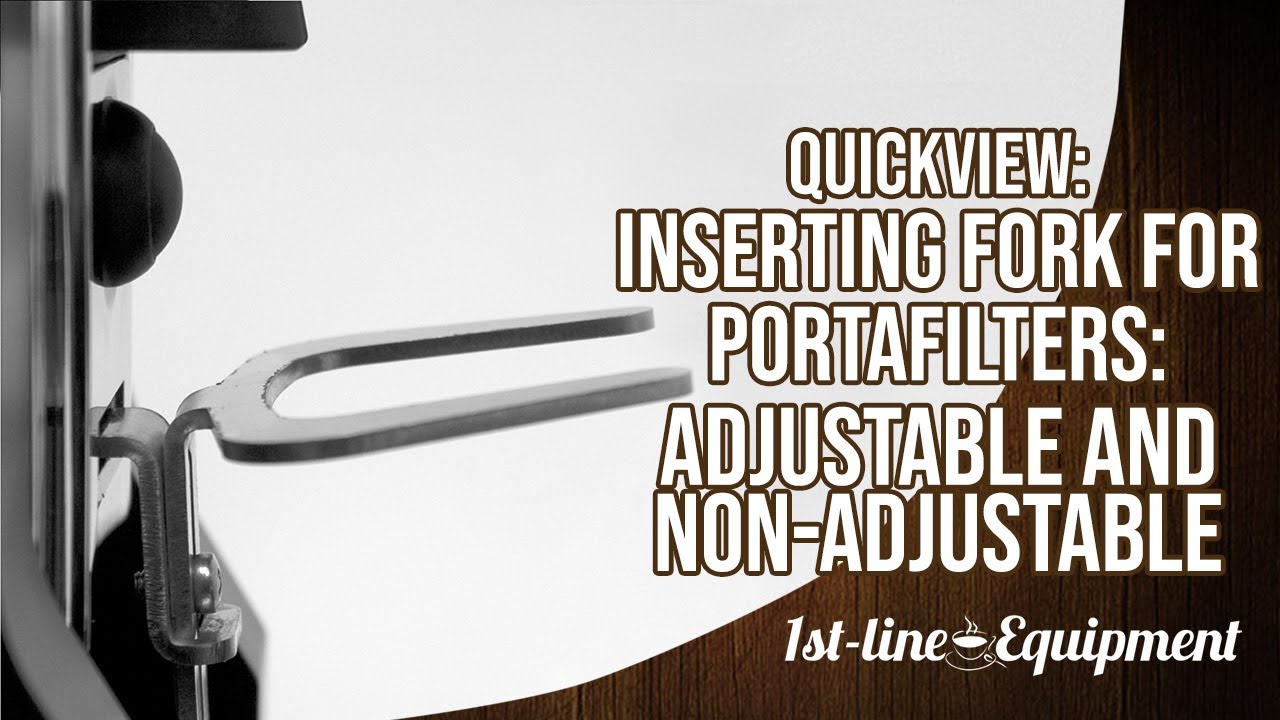
Adjustable Hands-Free Fork
Distance from top of the fork to the coffee chute is approximately 2.25″. You can adjust the fork down approximately 0.375″ to accommodate different size portafilters. You can also remove it completely to put a container. Allows hands-free operation with spouted portafilters.
Optimally sized bean hopper
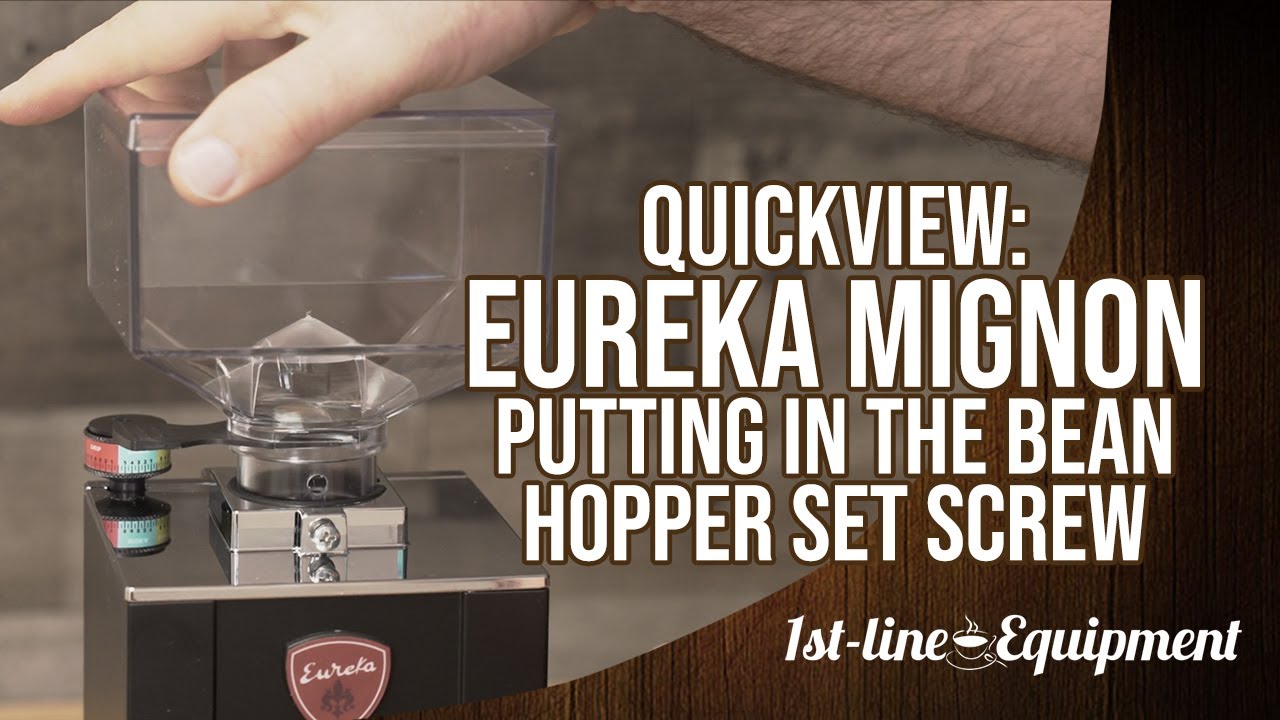
Holds approximately 8 ounces of roasted beans for plenty of espresso shots. Ergonomic design to keep the overall height low and not to stick out beyond the rest of the grinder. A screw holds the hopper in place whereas other grinders are friction-fit. It also has a bean stopper if you want to remove the hopper with the beans in it. Lastly a finger guard…just in case.
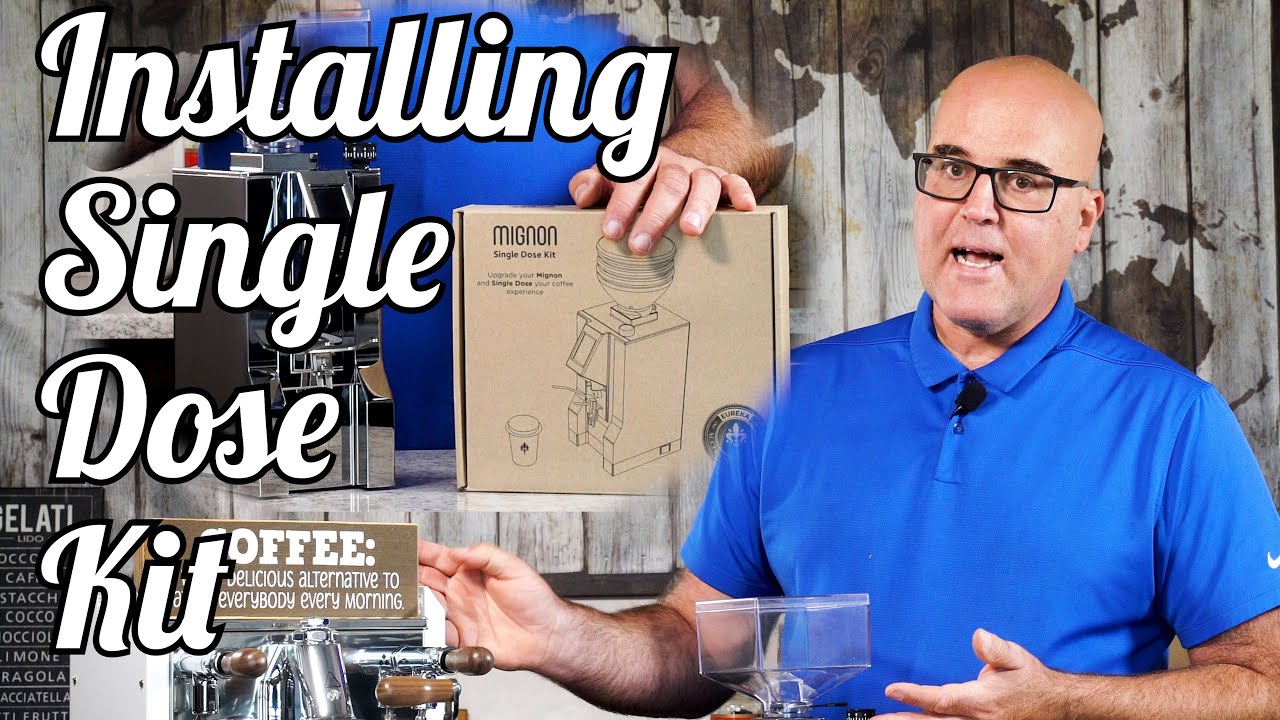
You can also upgrade your Eureka Mignon Specialita to single dose your coffee experience with the Eureka Mignon Single Dose Kit.
Want something as quiet but have no need for a touch display? Check out the Eureka Mignon Silenzio.
Want a touch display + a more all-purpose grinder? Check out the Eureka Mignon Perfetto.
To learn more about additional Eureka espresso coffee grinders, please check out its brand page!
Specifications
| Brand | Eureka |
|---|---|
| Height (inches) | 14, approximate |
| Width (inches) | 5, approximate |
| Depth (inches) | 7.5, approximate |
| Weight (pounds) | 13 |
| Wattage (watts) | 260 |
| Voltage (volts) | 110 – 120 |
| Burr size (mm), Type | 55, flat |
| Grinding speed (RPM) | 1350 |
| Hopper capacity (grams) | 300 |
| Country of manufacture | Italy |
| Approvals | CSA |
Notes
- Grinding for multiple brew methods: This is an espresso-only coffee grinder as other coffee brew methods will require the stepless knob to be turned hundreds of rotations.
- Motor not turning on: If the motor doesn’t turn on, try taking the grinder to a coarser setting.
Espresso Coffee Grinder Warnings:
- Roast Profiles: Espresso grinders sold by 1st-line Equipment, unless specifically indicated on the grinder page, are manufactured for coffee beans that have Italian or espresso roast profiles. Lighter roasted coffee beans may clog the grinder or not grind fine enough. Darker roasted coffee beans, such as French roasted or oily coffee beans, may clog the grinding chamber and/or the grinder chute where the ground coffee exits.
- Changing grind settings: It is very important to only change grind settings when the unit is powered on and the burrs are in motion. If you do not do this, the burrs will ‘gunk’ up and render the grinder to only produce very coarse grinds or no grinds at all. To remedy this, you will have to open up the grinder to get access to the grinding burrs. This issue will be considered operator error for lack of following directions, and not be classified as a defective grinder.
- Electrical cord: For most grinders, the cord is placed between the packaging (foam or cardboard) and the underside body of the grinder. During shipping, it is normal for a bend or insignificant blemish/slice to damage the cord.
- Finding coffee grinds in a new grinder: Most manufacturers test their grinders with coffee beans before they leave their facility. Unfortunately, they are not always able to get every trace of coffee out of the grinders after testing. As a result, you may find coffee beans or grinds inside your grinder, or there may be grinds in the packaging.
- Static issues: There are static issues with all grinders, even the highest-quality models. We firmly believe that the static comes from the coffee beans. If you are having static problems with your coffee grinder, try using a different blend of beans.
- Electrical: To avoid electrical damage (which is not considered a manufacturer's defect), please acquire and install a single-outlet surge suppressor rated at 1080 joules or higher. A surge without protection can damage a grinder at the power switch, the capacitor, the motor, or the wiring.
- Burr cleaning: For routine maintenance of the grinding burrs, we recommend using grinder cleaning agents. We do not recommend any removal of the burrs or the burr carrier for cleaning (unless necessary) as re-assembly can cause damage. If the grinder chamber is dis-assembled, the warranty is voided for any damages that result. It is important to always remove all coffee grinds from the threads of the burr carrier and the grinding chamber.
- Replacing burrs: NEVER use a flat head screwdriver and hammer to wedge UNDER the burrs for removal. This could badly damage your grinder.
Support
- Grinding for multiple brew methods: This is an espresso-only coffee grinder as other coffee brew methods will require the stepless knob to be turned hundreds of rotations.
- Motor not turning on: If the motor doesn’t turn on, try taking the grinder to a coarser setting.
Espresso Coffee Grinder Warnings:
- Roast Profiles: Espresso grinders sold by 1st-line Equipment, unless specifically indicated on the grinder page, are manufactured for coffee beans that have Italian or espresso roast profiles. Lighter roasted coffee beans may clog the grinder or not grind fine enough. Darker roasted coffee beans, such as French roasted or oily coffee beans, may clog the grinding chamber and/or the grinder chute where the ground coffee exits.
- Changing grind settings: It is very important to only change grind settings when the unit is powered on and the burrs are in motion. If you do not do this, the burrs will ‘gunk’ up and render the grinder to only produce very coarse grinds or no grinds at all. To remedy this, you will have to open up the grinder to get access to the grinding burrs. This issue will be considered operator error for lack of following directions, and not be classified as a defective grinder.
- Electrical cord: For most grinders, the cord is placed between the packaging (foam or cardboard) and the underside body of the grinder. During shipping, it is normal for a bend or insignificant blemish/slice to damage the cord.
- Finding coffee grinds in a new grinder: Most manufacturers test their grinders with coffee beans before they leave their facility. Unfortunately, they are not always able to get every trace of coffee out of the grinders after testing. As a result, you may find coffee beans or grinds inside your grinder, or there may be grinds in the packaging.
- Static issues: There are static issues with all grinders, even the highest-quality models. We firmly believe that the static comes from the coffee beans. If you are having static problems with your coffee grinder, try using a different blend of beans.
- Electrical: To avoid electrical damage (which is not considered a manufacturer's defect), please acquire and install a single-outlet surge suppressor rated at 1080 joules or higher. A surge without protection can damage a grinder at the power switch, the capacitor, the motor, or the wiring.
- Burr cleaning: For routine maintenance of the grinding burrs, we recommend using grinder cleaning agents. We do not recommend any removal of the burrs or the burr carrier for cleaning (unless necessary) as re-assembly can cause damage. If the grinder chamber is dis-assembled, the warranty is voided for any damages that result. It is important to always remove all coffee grinds from the threads of the burr carrier and the grinding chamber.
- Replacing burrs: NEVER use a flat head screwdriver and hammer to wedge UNDER the burrs for removal. This could badly damage your grinder.
Parts Diagram
Finding your part
- Please use the parts diagrams provided below to determine the part(s) you need. Then use our search box above to find the part(s) on our website.
Note: These parts diagrams are provided by the manufacturers. We list them on our site for informational purposes only. We do not stock every single part listed nor can we guarantee that every part is available to order. - If uncertain, please go to the equipment model or part product page. Then use the Q&A tab found on that web page to ask your question.
- Lastly, and only if the first 2 options were exhausted, please use our parts inquiry page.
- Our call center does not have the training to handle parts inquiries for over 60,000 different parts items. Asking any questions regarding parts will more than likely result in you being referred to the above steps.
- Please note also that all parts purchases are non-returnable or refundable and do not include technical support, instructions, or warranties as the purchase price of any part does not cover the cost of technical support. Technical support is available for repairing equipment in our shop.
- Sorry, we will only special order a part for a model we carry AND was purchased through our supply chain.
- Since we are unaware of the mechanical, electrical, and/or plumbing expertise of a parts buyer or the tools owned by a parts buyer, we are never able to advise if a self-repair can be performed.
TABLE 1


-
Reviews
[yith_ywar_show_reviews_form product_id=23672]
FAQ
Submit Questions for FAQ
Please review the FAQ to confirm the question or topic was not previously covered.
Any followup questions for FAQ should be requested as a separate FAQ submission.
-
I saw a 115v capacitor for Eureka machines. Do you offer or are able to get the 110v circuit board for this model the Mignon Specialita?
-
Q I saw a 115v capacitor for Eureka machines. Do you offer or are able to get the 110v circuit boar...... Read more answer nowAsked on June 18, 2019 3:17 pmA
We are able to special order it. Please fill out the contact us from the link on the top of our web site. It can take 4-6 weeks to arrive from Italy and non-credit card prepayment is required in full in advance. In the contact us form, please provide your full name and address, part number, voltage of grinder, serial number, and place/date of purchase.