



Overview


Eureka Atom Specialty 65 Espresso Coffee Grinder
The Eureka Atom Specialty 65 is one of our top-selling Eureka espresso coffee grinders! Furthermore, it is an upgrade from the Atom 60 with more focus on espresso grinding. The flat grinding burrs are 65 mm which results in faster production. The standard hopper is bigger and will hold more beans than the Atom 60. Thus, the Eureka Atom Specialty 65 will work well in a cafe environment or your home if you have the overhead space. The Eureka Atom Specialty 65 is available in chrome or matt black.
Features
Grinding adjustment
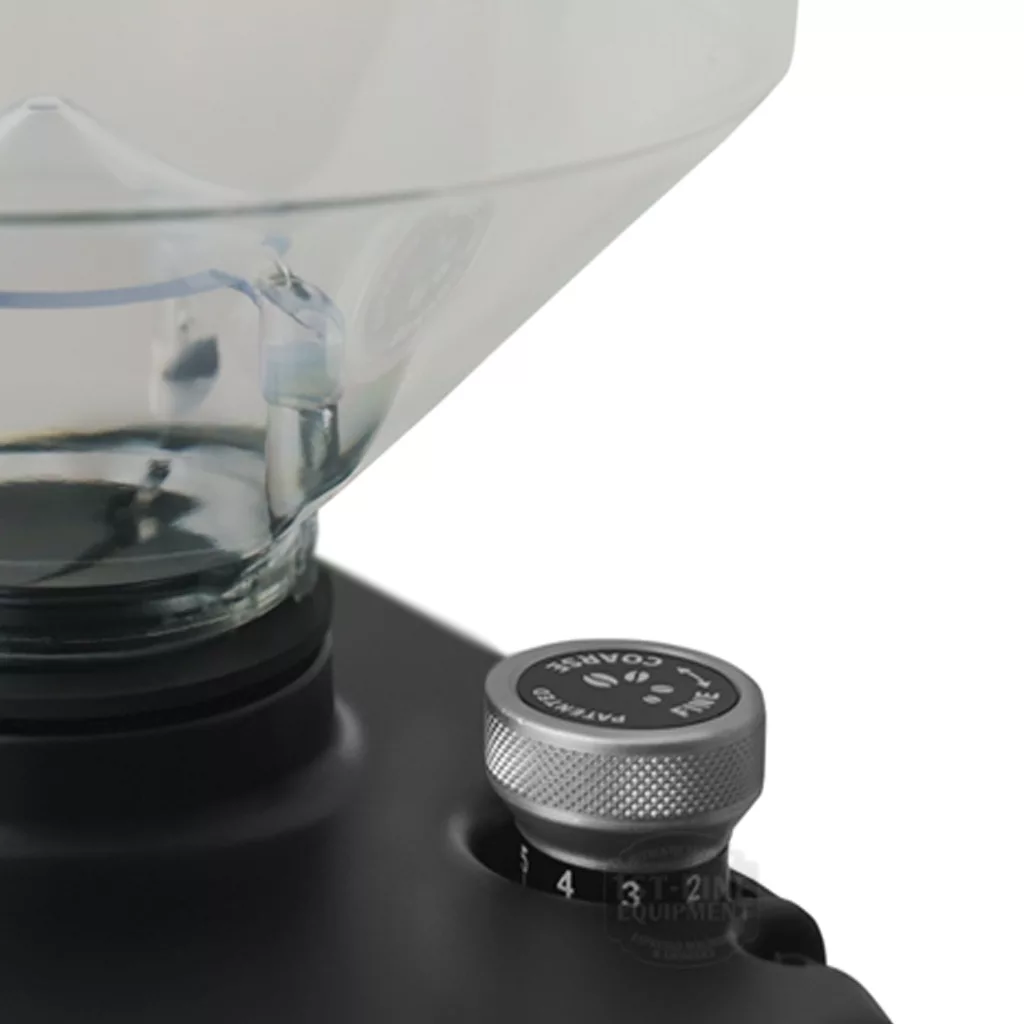
- Stepless: Gives you an “infinite” range of settings that allow you to really fine-tune your grind to your espresso machine. Turn clockwise for a finer grind and counterclockwise for a coarser grind.
- Perfect positioning: The adjustment knob is located on the top right of the grinder, underneath the bean hopper. This helps keep the overall width of the Eureka Atom Specialty 65 low compared to other grinders that have it on the side. This also protects it from hitting against other equipment.
Grinding burrs
- Flat grinding burrs: Large size at 65 mm. The larger the size, the more of a grinding surface, resulting in faster production. The burrs are made of long-lasting, hardened steel.
- High rpm: Faster spinning rate at 1650 rpm. The higher the speed, the faster the production, which can increase efficiency and reduce wait times. Espresso grinding is approximately 2.7 – 3.7 grams / second.
Electronic controls
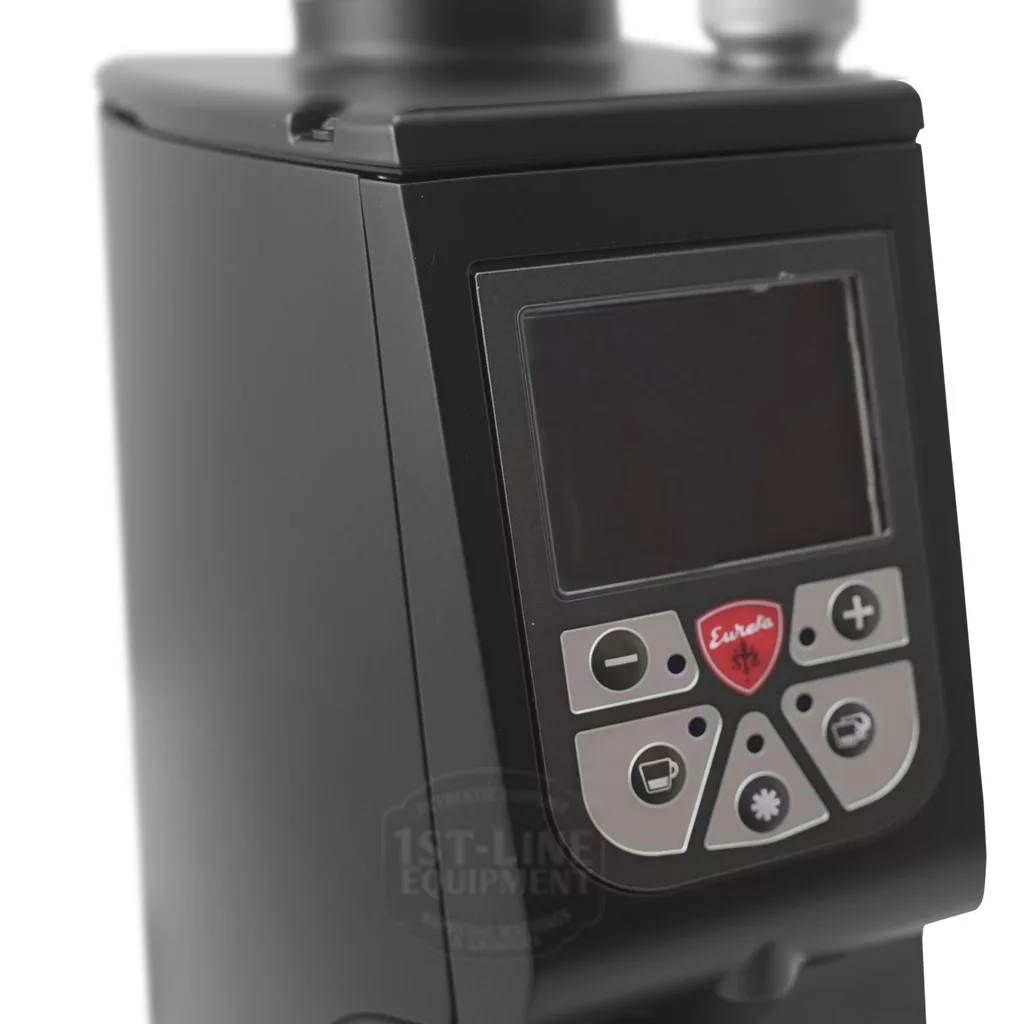
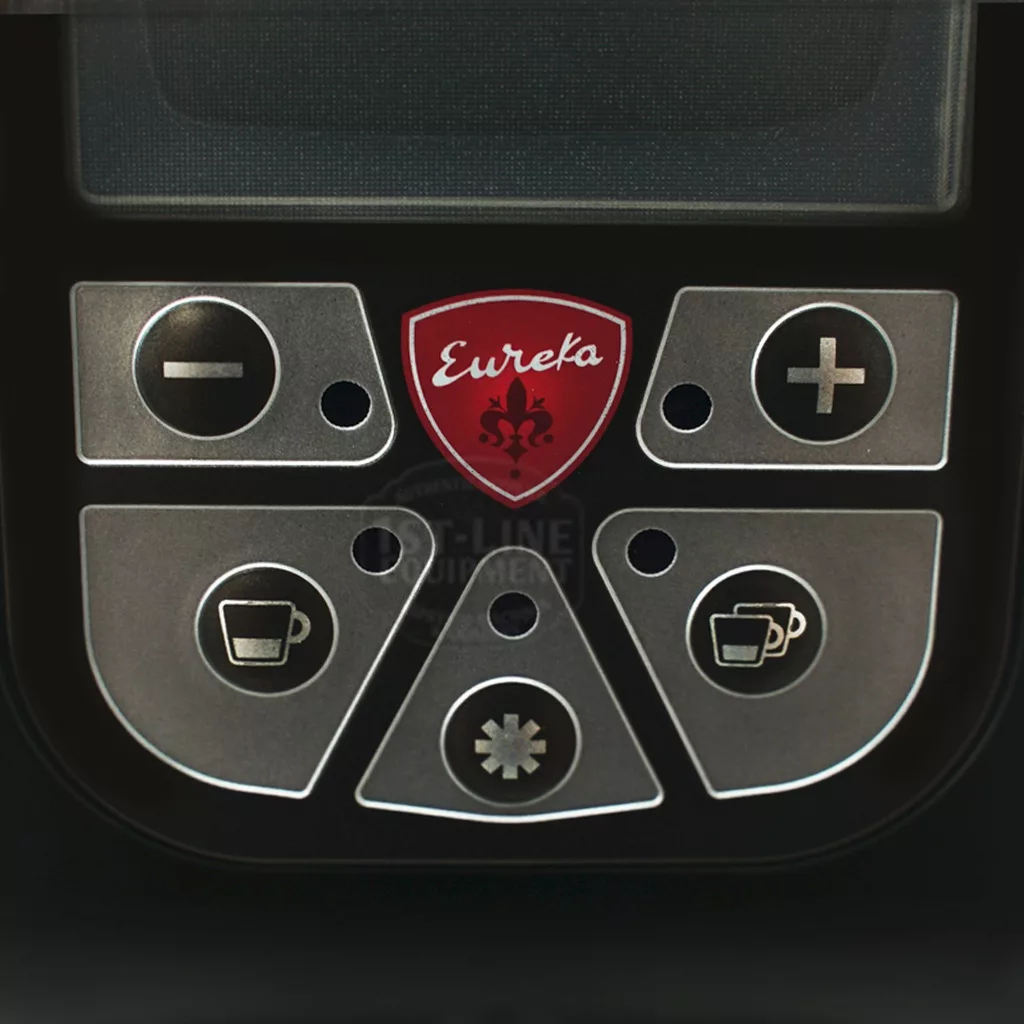
- Time-based grinding: The “1-cup” mode can adjust from 0.5 seconds to 25 seconds. The “2-cup” mode can adjust from 0.5 seconds to 35 seconds. You can adjust the time by 0.1-second increments. The semi-automatic mode tracks the time from start to stop.
- Color display: When semi-automatic dosing, the display switches to a picture of a grinding burr with a timer in the center. It will count up by 0.1-second increments until you stop. When electronic dosing, the screen will highlight whether you select “1-cup” or “2-cup”. The timer will count down when you start the grinding cycle.
Portafilter fork
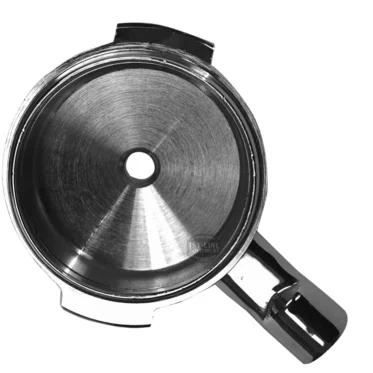
- Portafilter fork: Used mainly for espresso grinding. The distance from the portafilter fork to the coffee chute is approximately 2.5″. There is a built-in lip that helps hold your portafilter in place. The distance from the portafilter fork to the lip is approximately 1.5″.
Bean hopper
- High capacity: The hopper holds approximately 1200 grams of whole coffee beans. Essentially you can dump a whole standard kilo bag of coffee.
- Rubber neck guard: The bean hopper sits comfortably on top of the grinder. There is a rubber neck guard that helps protect the neck of the bean hopper from cracking.
- Set screw: Secures the hopper to the grinder. Prevents users from quickly removing the hopper, spilling beans everywhere.
- Finger guard: Prevents users from “accidentally” putting their fingers in the grinding burrs.
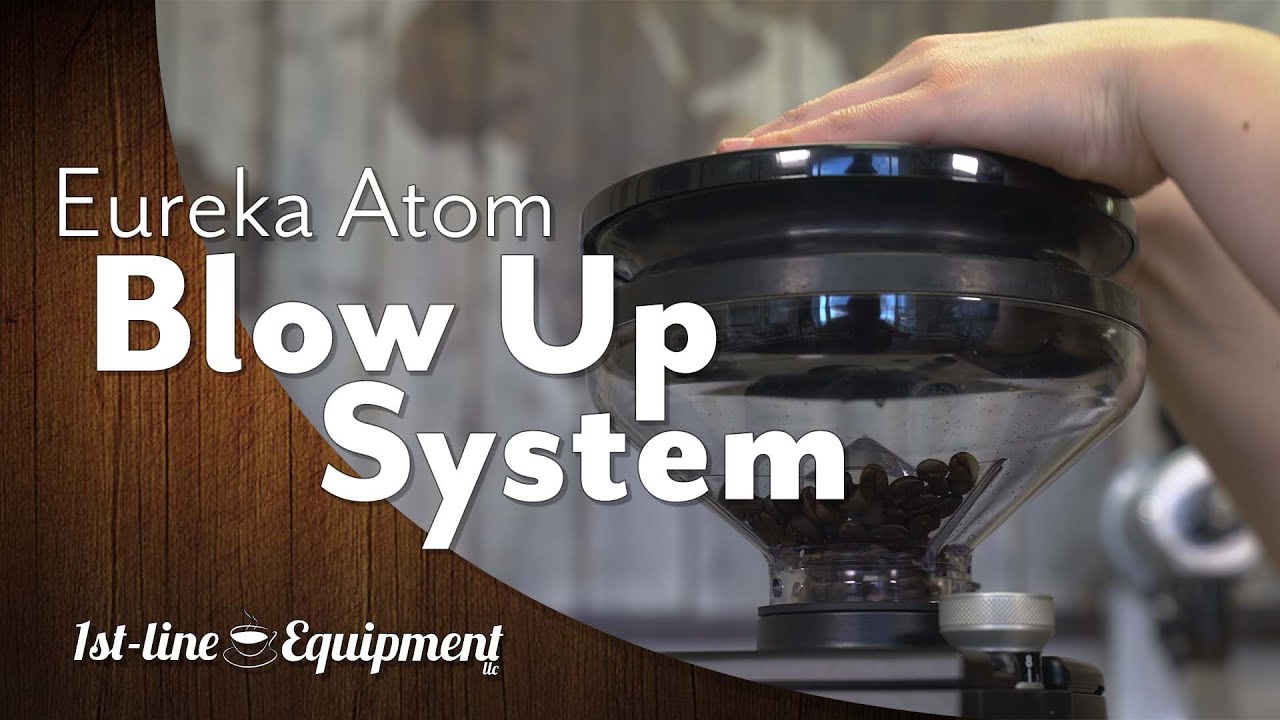
- Stopper: A door near the bottom of the hopper can be pushed in to close the opening. This allows you to remove the hopper with beans inside so you can easily change the beans. There will be some beans already passed in the burrs which will have to be ground out first before removing the hopper.
Specifications
| Brand | Eureka |
|---|---|
| Height (inches) | 17, approximate |
| Width (inches) | 8.5, approximate |
| Depth (inches) | 9, approximate |
| Weight (pounds) | 27 |
| Wattage (watts) | 510 |
| Voltage (volts) | 110 – 120 |
| Burr size (mm), Type | 65, flat |
| Grinding speed (RPM) | 1650 |
| Hopper capacity (grams) | 1200 |
| Country of manufacture | Italy |
Notes
Espresso Coffee Grinder Warnings:
- Roast Profiles: Espresso grinders sold by 1st-line Equipment, unless specifically indicated on the grinder page, are manufactured for coffee beans that have Italian or espresso roast profiles. Lighter roasted coffee beans may clog the grinder or not grind fine enough. Darker roasted coffee beans, such as French roasted or oily coffee beans, may clog the grinding chamber and/or the grinder chute where the ground coffee exits.
- Changing grind settings: It is very important to only change grind settings when the unit is powered on and the burrs are in motion. If you do not do this, the burrs will ‘gunk’ up and render the grinder to only produce very coarse grinds or no grinds at all. To remedy this, you will have to open up the grinder to get access to the grinding burrs. This issue will be considered operator error for lack of following directions, and not be classified as a defective grinder.
- Electrical cord: For most grinders, the cord is placed between the packaging (foam or cardboard) and the underside body of the grinder. During shipping, it is normal for a bend or insignificant blemish/slice to damage the cord.
- Finding coffee grinds in a new grinder: Most manufacturers test their grinders with coffee beans before they leave their facility. Unfortunately, they are not always able to get every trace of coffee out of the grinders after testing. As a result, you may find coffee beans or grinds inside your grinder, or there may be grinds in the packaging.
- Static issues: There are static issues with all grinders, even the highest-quality models. We firmly believe that the static comes from the coffee beans. If you are having static problems with your coffee grinder, try using a different blend of beans.
- Electrical: To avoid electrical damage (which is not considered a manufacturer's defect), please acquire and install a single-outlet surge suppressor rated at 1080 joules or higher. A surge without protection can damage a grinder at the power switch, the capacitor, the motor, or the wiring.
- Burr cleaning: For routine maintenance of the grinding burrs, we recommend using grinder cleaning agents. We do not recommend any removal of the burrs or the burr carrier for cleaning (unless necessary) as re-assembly can cause damage. If the grinder chamber is dis-assembled, the warranty is voided for any damages that result. It is important to always remove all coffee grinds from the threads of the burr carrier and the grinding chamber.
- Replacing burrs: NEVER use a flat head screwdriver and hammer to wedge UNDER the burrs for removal. This could badly damage your grinder.
Reviews
Q & A
Ask a question
Please ask follow up questions as a new question. Submitted questions will be first reviewed, answered, and lastly publicized.
-
You don't provide any pictures of the 4122580.1500-951 part. Can you please email me a picture?
-
Q You don't provide any pictures of the 4122580.1500-951 part. Can you please email me a picture? answer nowAsked by on April 13, 2021 2:11 pmAnswered by the admin
Sorry, it is a long process to take pictures of parts and manufacturers do not provide ANY pictures on parts. It is all done inhouse.
Is there an internal parts diagram for the Atom 65? I cannot find one anywhere and need a replacement part.
-
Q Is there an internal parts diagram for the Atom 65? I cannot find one anywhere and need a replace...... Read more answer nowAsked by on September 25, 2020 2:05 amAnswered by the admin
All diagrams, made available by Eureka to us, can be found in our parts section.


