

Touch & Match Settings (from Faema)
You may also like
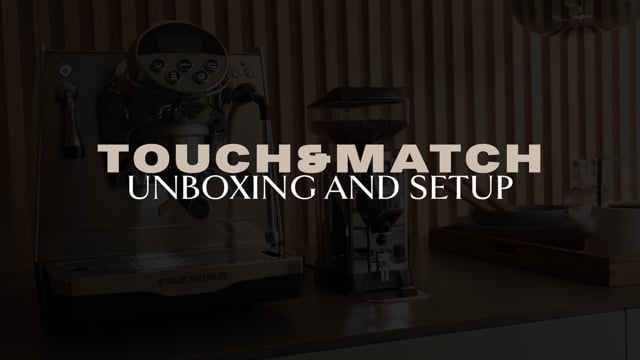





This section provides guidance on adjusting the touch match settings for Faema coffee machines. The touch match feature allows users to customize the sensitivity and responsiveness of the machine's touch interface to ensure optimal performance and usability.
By fine-tuning the touch match settings, users can optimize the touch screen experience, making it more intuitive and responsive to their specific needs and preferences. This can help improve overall workflow and efficiency when operating the Faema coffee machine.
The Faema Faemina line of coffee machines offers a range of customizable settings, including temperature and mode configurations. This section will explore how to adjust these settings to achieve the desired performance and results.
Whether you're looking to fine-tune the brewing temperature or optimize the machine's operating modes, the information provided here will help you get the most out of your Faema Faemina coffee machine.
This section covers the unboxing and initial setup process for the Faema Touch & Match coffee machine. It will guide users through the steps required to properly set up the machine, ensuring a smooth and efficient installation.
From unpacking the components to configuring the initial settings, this information will help users get their Faema Touch & Match machine up and running quickly, so they can start enjoying high-quality coffee beverages right away.
For users setting up their Faema Faemina coffee machine for the first time, this section provides a comprehensive guide to the initial setup process. It will cover the necessary steps to get the machine properly configured and ready for use.
By following the instructions in this section, users can ensure their Faema Faemina is set up correctly, with all the necessary adjustments and settings in place to deliver the best possible coffee experience.