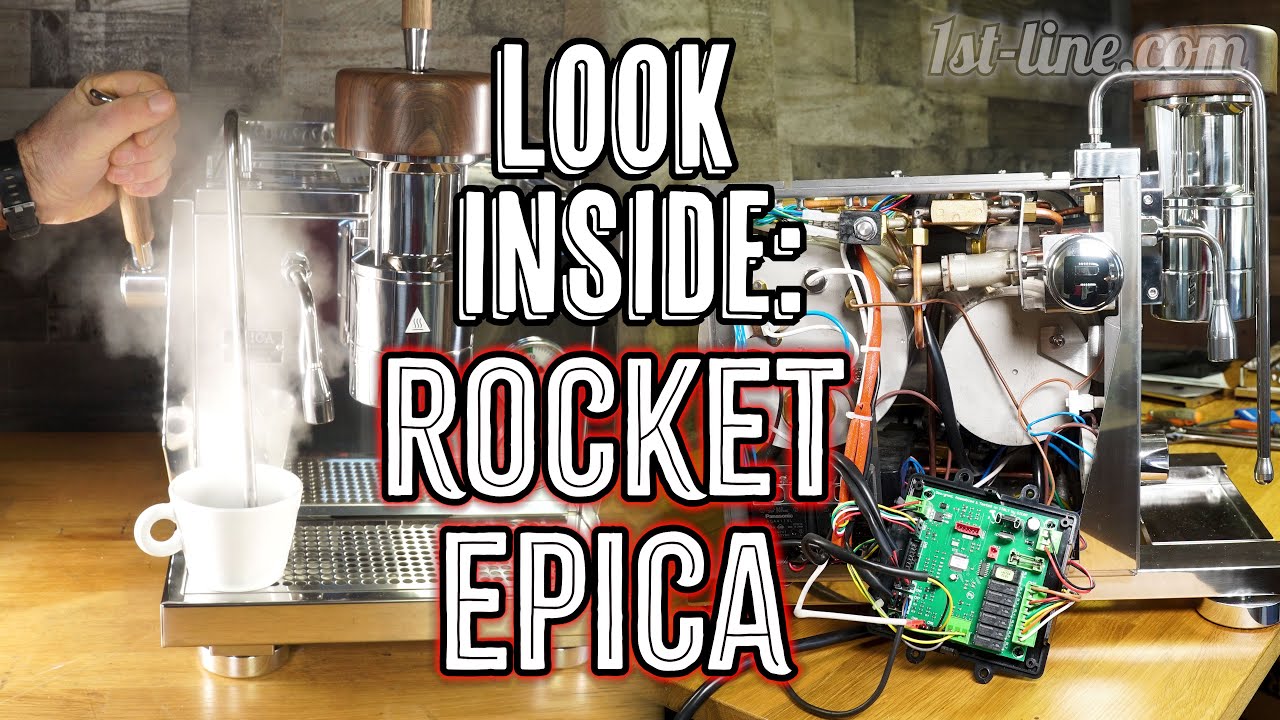
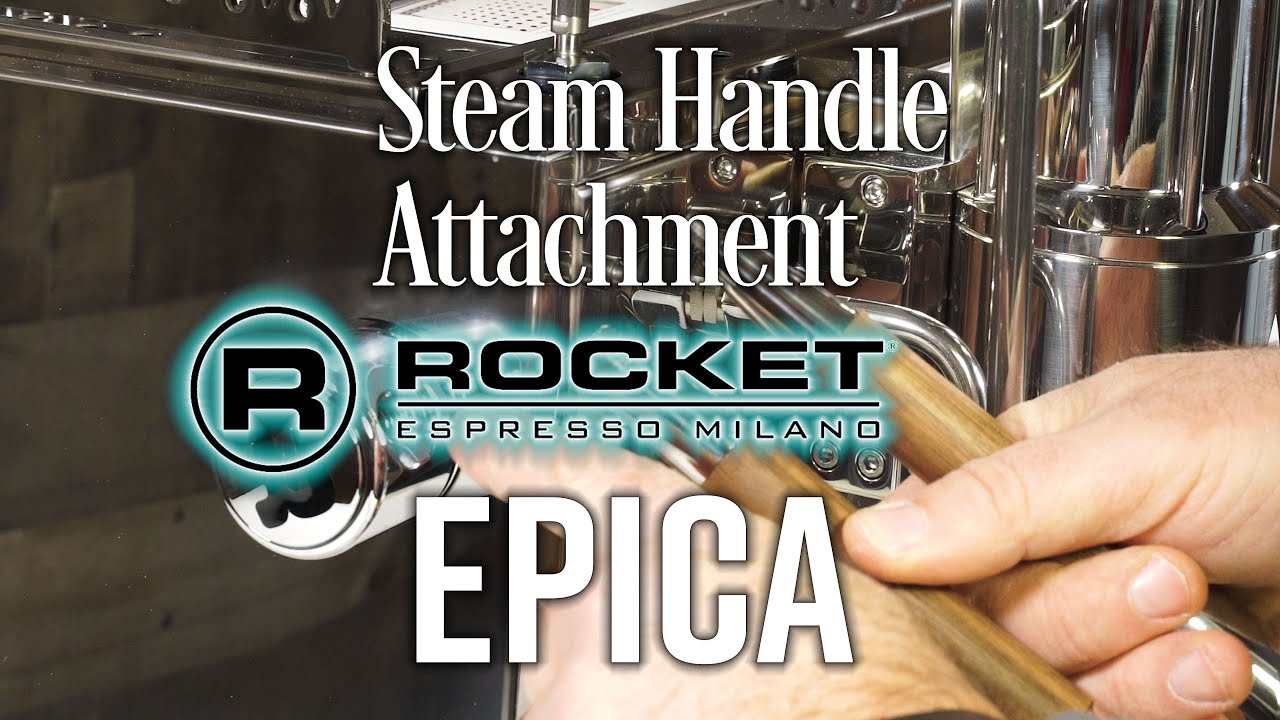
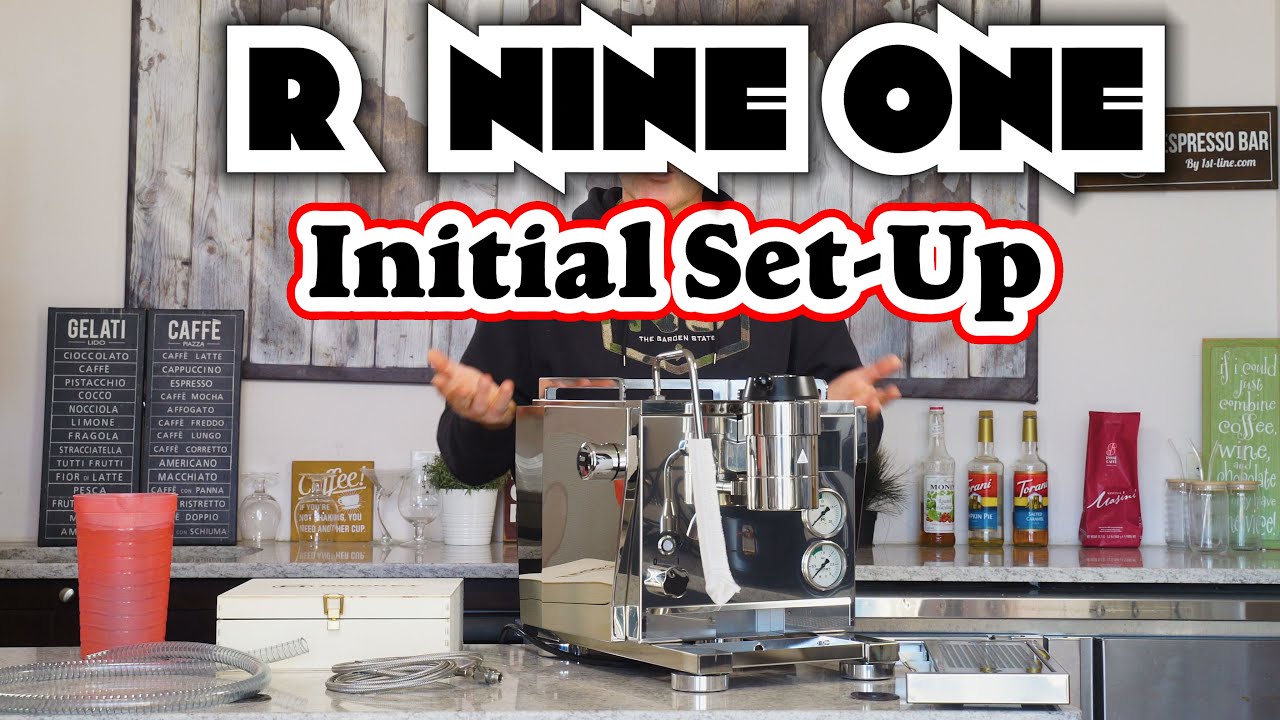
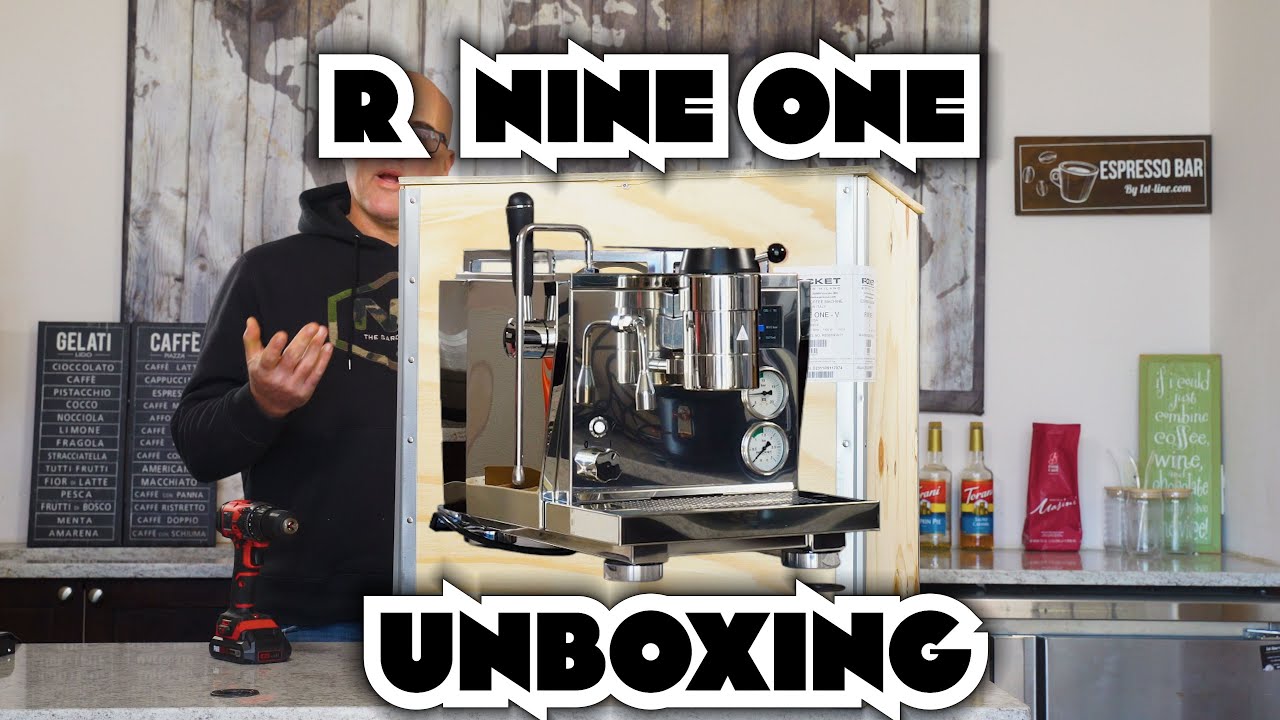
Display Screen Menu: Rocket R Nine One Dual Boiler Espresso Machine 11 months ago Rocket,Rocket R Nine One You may also like Intro: Rocket Appartamento TCA HX Espresso Machine 8 months ago Rocket,Rocket Appartamento TCA Intro: Rocket Appartamento TCA HX Espresso Machine 8 months ago Rocket,Rocket Appartamento Exploring Features on the Rocket Epica Espresso Machine 9 months ago Rocket,Rocket Epica Look Inside: Rocket Epica Espresso Machine 11 months ago Rocket,Rocket Epica Rocket Epica Espresso Machine: Steam Handle Attachment 1 year ago Rocket,Rocket Epica Rocket Epica Espresso Machine: Top Handle Attachment 1 year ago Rocket,Rocket Epica Hot Water Tempering with the Rocket R Nine One Dual Boiler Espresso Machine 1 year ago Rocket,Rocket R Nine One How to: Plumb-In the Rocket R Nine One Dual Boiler Espresso Machine 1 year ago Rocket,Rocket R Nine One Initial Set Up: Rocket R Nine One Dual Boiler Espresso Machine 1 year ago Rocket,Rocket R Nine One Unboxing: Rocket R Nine One Dual Boiler Espresso Machine 1 year ago Rocket,Rocket R Nine One 12»Page 1 of 2 1st-line Quick Start-Up: Bezzera Aria Espresso Machine with Flow Control Programming: Eureka Mignon Specialita Espresso Coffee Grinder