PID Display Issues

Disclaimer: The technical statements, support, information and recommendations contained herein are believed to be accurate as of the date hereof, but 1st-line Equipment, LLC does not make representations or warranties, express or implied, as to its accuracy, its completeness, or the results to be obtained. The information is being provided for informational purposes only and is intended for use by persons having adequate skill and expertise regarding the proper selection, use and application of the products and recommendations and at their own risk and discretion.

1st-line Equipment, LLC is not responsible for any injury or damages from such information. Please note that parts are available for purchase from 1st-line Equipment, LLC self service parts portal. These parts do not include any technical support. If you're unfamiliar with the technical aspects of repairing equipment, please contact a professional for proper evaluation.

By continuing to read further, you agree to abide by all the terms and conditions on this website. If you disagree, please leave our website.
Not accurately displaying

If there are missing lines in the display, the PID display will probably need to be replaced.

Not powering nor displaying

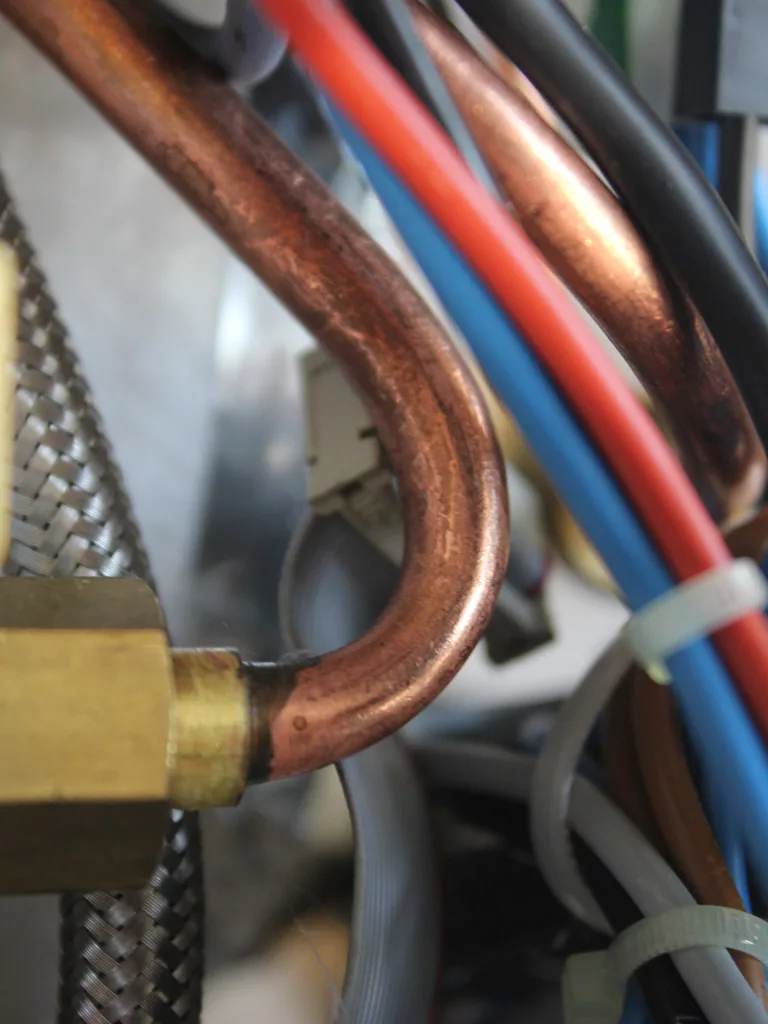
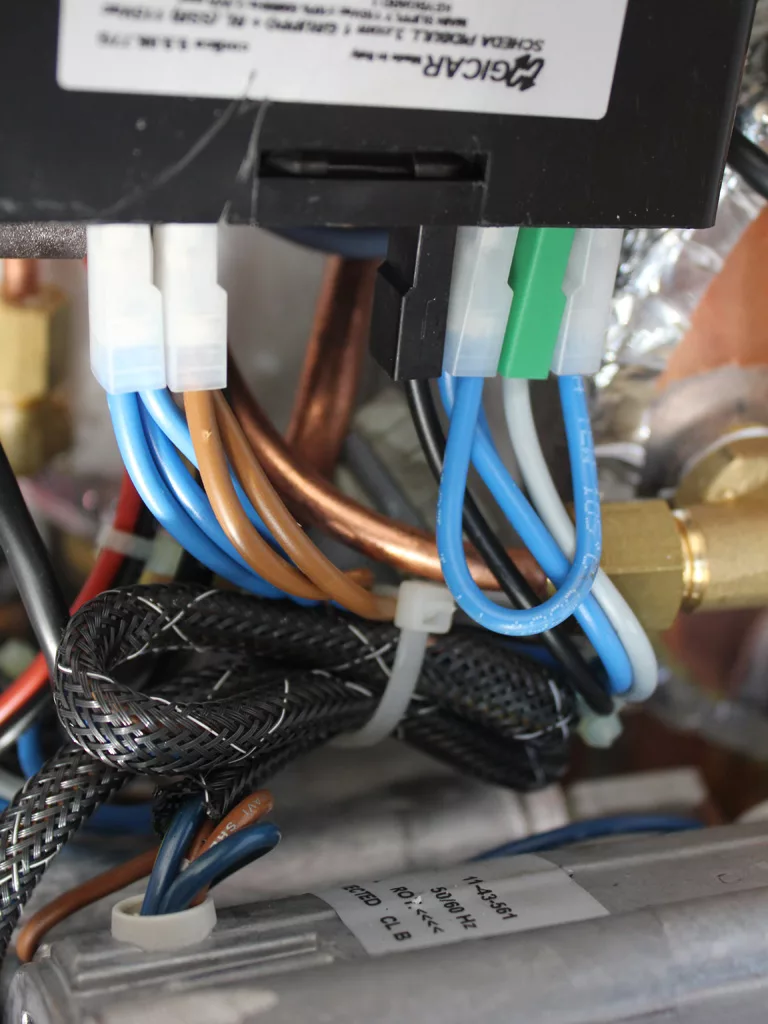
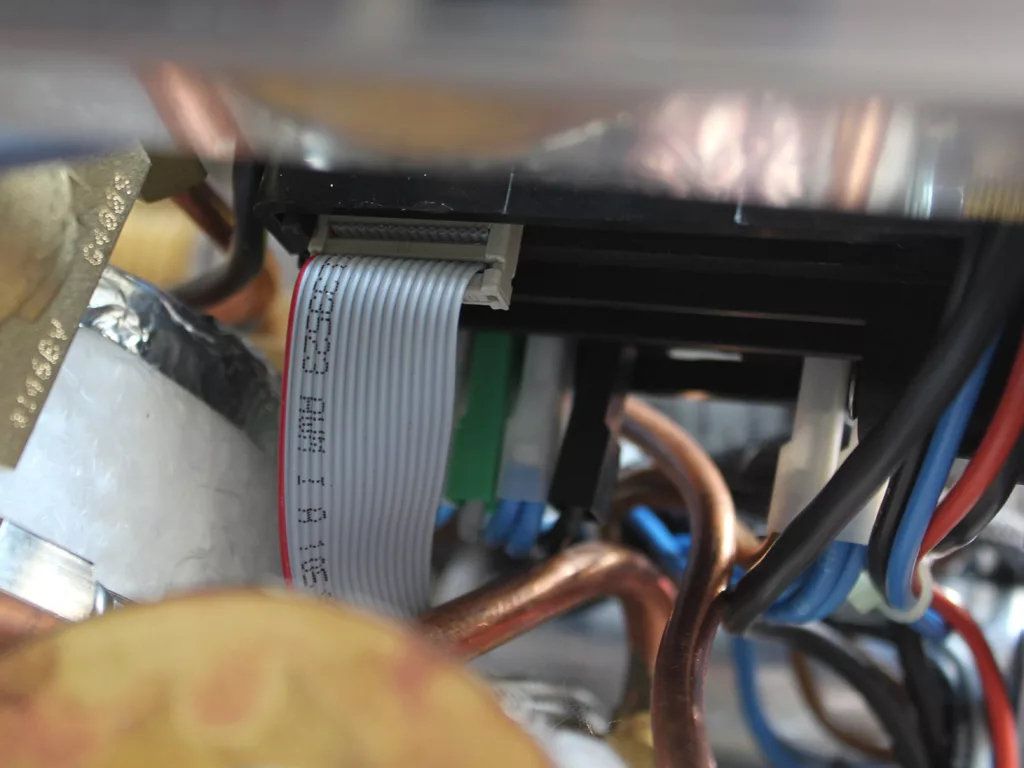
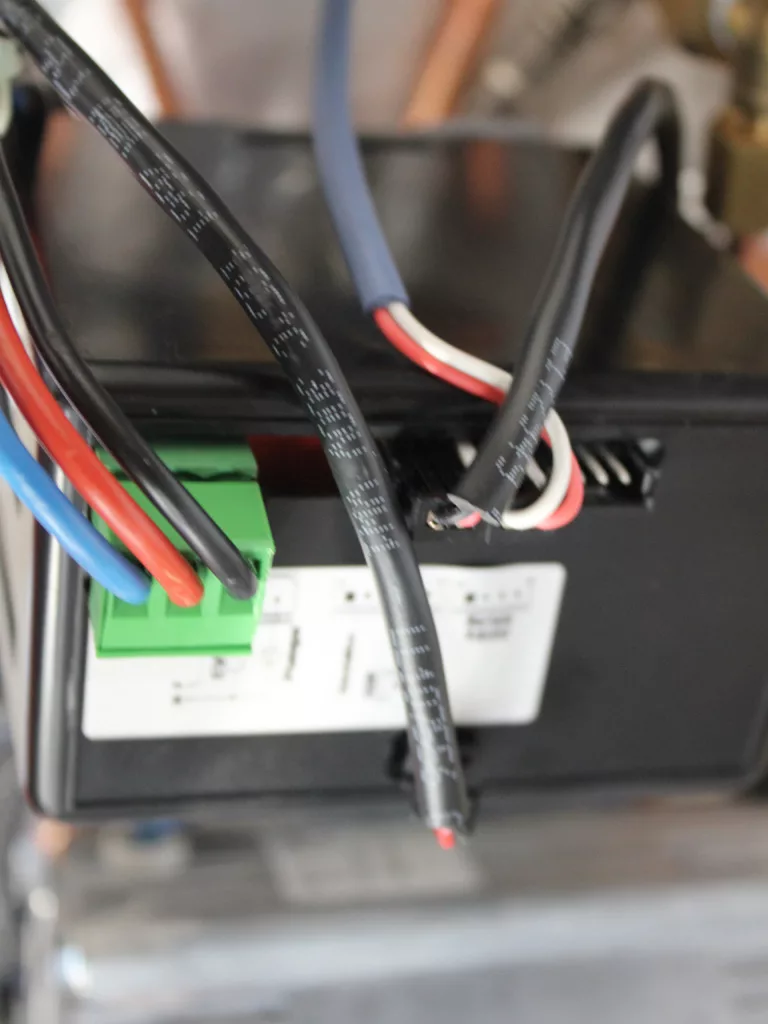
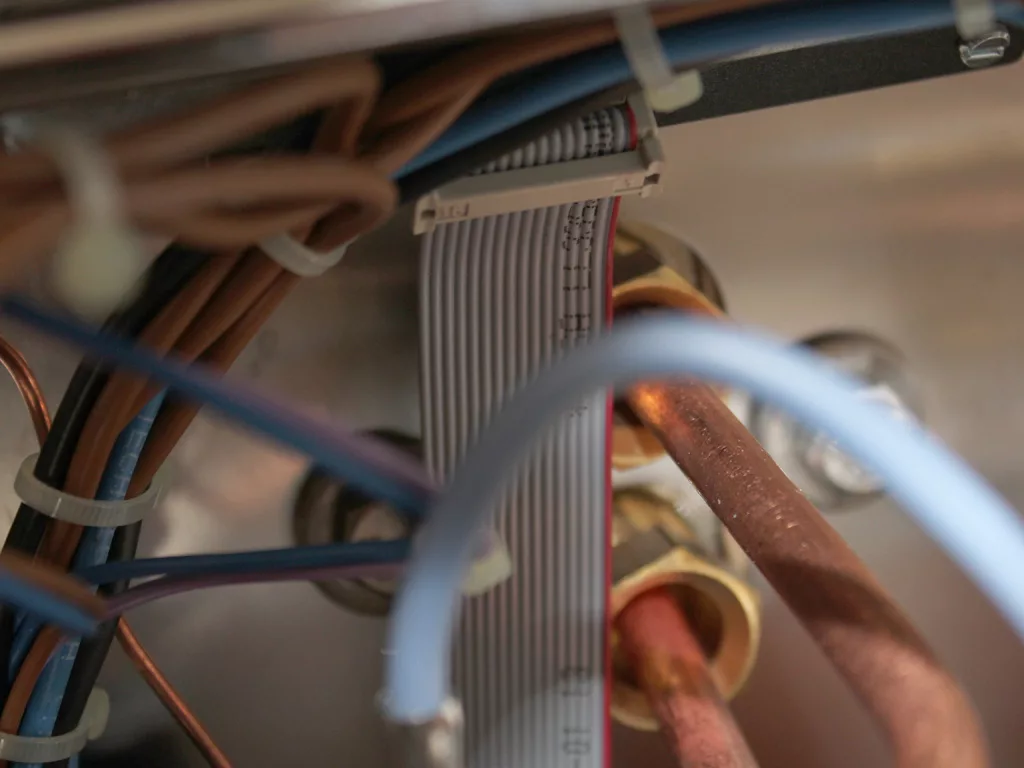
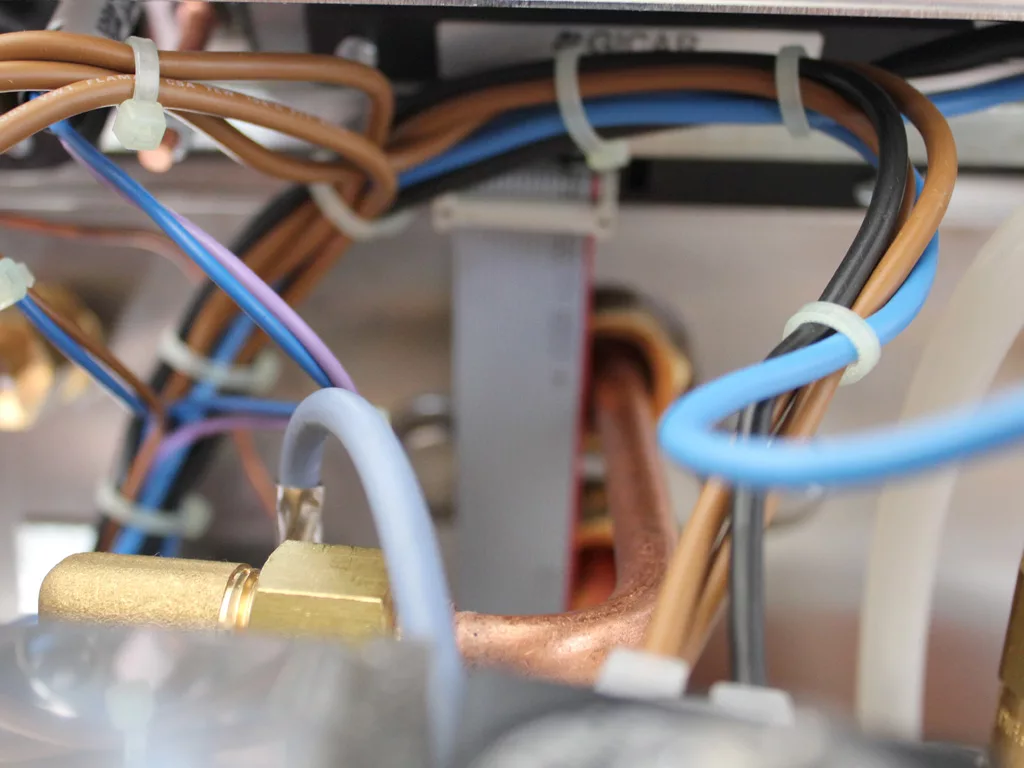
If the machine was just transported via a common carrier or in a vehicle, please check the connection behind the PID display. Sometimes, the computer cable will dislodge from the PID display or on the other side into the black control box. Here are some pictures to review and get those connections back. Please be careful not to misaligned or bend the small prongs as this will damage the PID display or black control box.

  1. To the right is a picture of the computer cable connection tot he back of the PID display on the Vibiemme PID double boiler espresso machine. Pay attention on how the wire folds downward.
Close-up view of electrical wires and cables, including a flat ribbon cable and copper pipes, secured with zip ties inside an electronic device—potential sources to check for PID Display Issues. © 2025 1st-line.com
  1. Here is another angle of the PID display connection.
Close-up of electrical wires and copper pipes secured with zip ties inside a device, highlighting various colored cables, components, and a PID display for monitoring performance. © 2025 1st-line.com
  1. If you look closely, the computer cable to the black box has come off.
Close-up of various colorful wires, copper pipes, a braided metal hose, and a PID display inside a machine, showing interconnected mechanical and electrical components. © 2025 1st-line.com
  1. This is a picture of the wire connections on the black box.
Close-up of several electrical wires, including blue, brown, and black, connected to terminals and surrounded by metal pipes and components inside an electronic device—potentially related to PID display issues. © 2025 1st-line.com
  1. In this picture, the computer cable is connected to the black box.
Close-up of electronic components and wiring, featuring a gray ribbon cable connected to a black connector, surrounded by copper pipes and various colored wires—ideal for troubleshooting PID display issues. © 2025 1st-line.com
  1. These are the upper connections to the internal black box.
Close-up of electrical wires—black, red, blue, and white—connected to a black device with a green terminal block and a white label showing text and diagrams, commonly seen during PID troubleshooting or when resolving PID issues. © 2025 1st-line.com

Please note the above information is subject to copyright. It cannot be published by any means without the expressed written consent of 1st-line Equipment, LLC.