

Posts
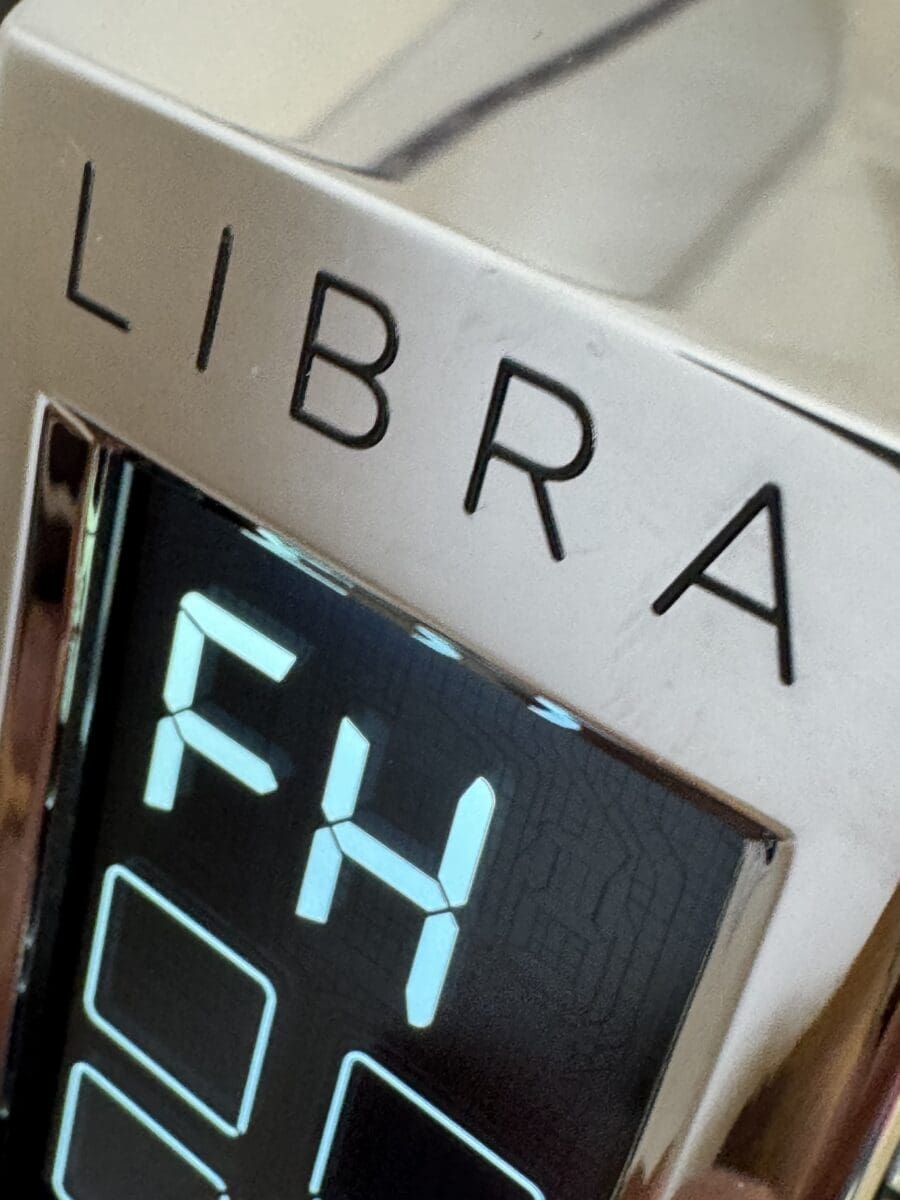
Eureka Libra Espresso Grinder – FH Screen Error
06
Aug
Aug
Some customers who just purchased a Eureka Libra grinder may encounter an FH screen error. This is an error provided when the portafilter is not set correctly or the selection of grinding is made before the grinder can register the weight of the portafilter.
Here are our recommendations to resolve the error.
- Remove and reinsert the portafilter. Although not necessary, we recommend, after removal of the portafilter, powering off the grinder for 10 seconds. Reinsert the portafilter into the fork.
- Ensure a proper fit and leveling of the portafilter. Make sure the portafilter is not tilted.
- Place the portafilter on the forks and pause for a minimum of 3 seconds to allow the scale to tar the weight.
- Do not wait too long (up to about 14 seconds) after placing the portafilter, as the internal scale can time out.
- Adjust the forks to ensure they are level so the portafilter fits snugly without being loose.
- The FH error can appear if you are attempting to single dose without a portafilter or with an incorrect catch cup, as the grinder requires a filter-holder or suitable container to be in place.
