Carimali Bubble: Swap Triac

Disclaimer: The technical statements, support, information and recommendations contained herein are believed to be accurate as of the date hereof, but 1st-line Equipment, LLC does not make representations or warranties, express or implied, as to its accuracy, its completeness, or the results to be obtained. The information is being provided for informational purposes only and is intended for use by persons having adequate skill and expertise regarding the proper selection, use and application of the products and recommendations and at their own risk and discretion.

1st-line Equipment, LLC is not responsible for any injury or damages from such information. Please note that parts are available for purchase from 1st-line Equipment, LLC self service parts portal. These parts do not include any technical support. If you're unfamiliar with the technical aspects of repairing equipment, please contact a professional for proper evaluation.

By continuing to read further, you agree to abide by all the terms and conditions on this website. If you disagree, please leave our website.

If the unit overheats, the TRIAC may have been damaged from a surge. First, please power down the machine and unplug the electrical cord from the outlet. Shut off the water supply,

Second, once cooled down, please watch our video to remove the top panel. There are 3 screws to be removed and the top cover slides forward to you and up and out.
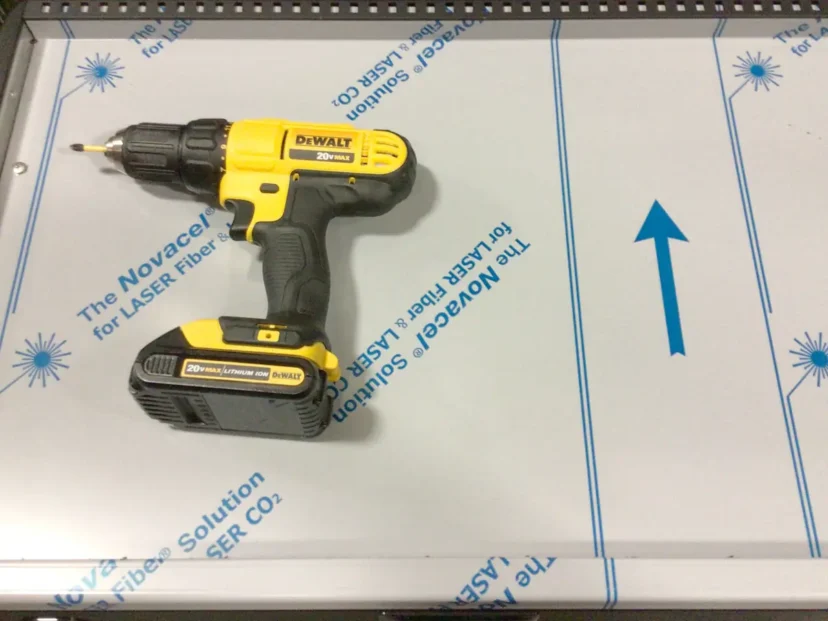
A yellow and black DeWalt cordless drill sits on a sheet labeled The NovaCell for LASER fiber, featuring blue text and a blue arrow pointing right—ideal for precise tasks like Swap Triac installations. © 2025 1st-line.com

On the left side under the drip tray, this screw needs to be removed.
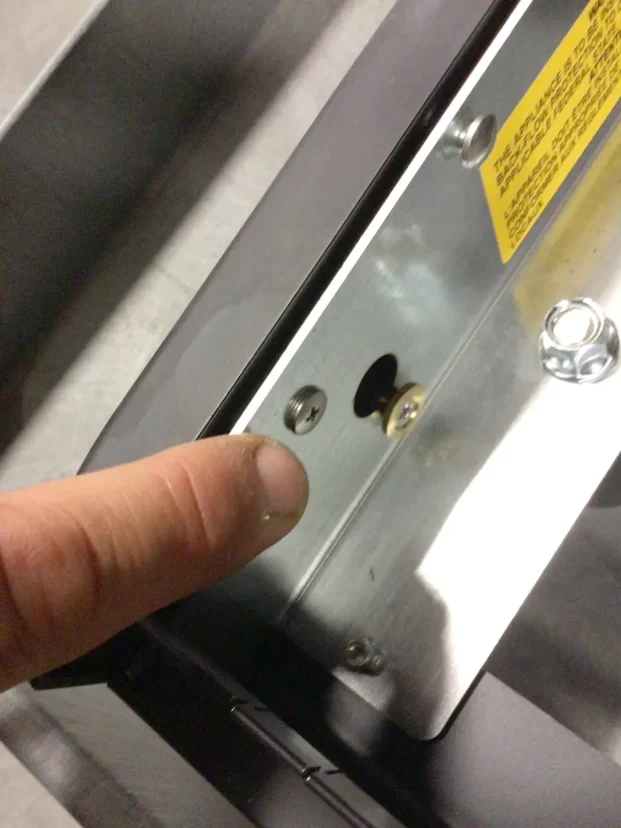
A close-up of a persons finger pointing at a metal panel with screws and holes, possibly on an electronic or mechanical device like the Carimali Bubble. A yellow warning label is partially visible at the top right. © 2025 1st-line.com

Was difficult to picture, there is a screw facing upward that needs to be removed. On the one group, there may be 2 screws.
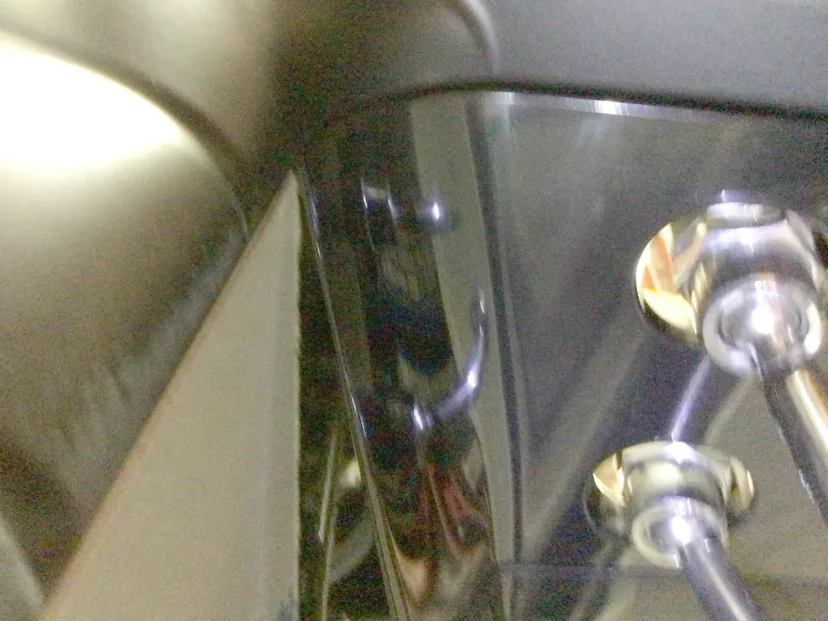
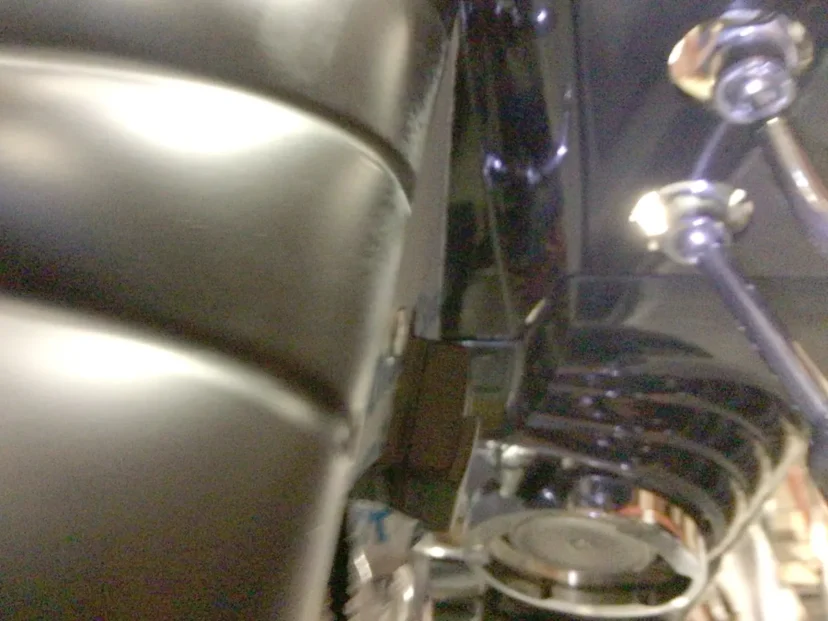
Close-up view of shiny metallic machinery parts, including a reflective black panel and two connected rods with bolts, possibly from Carimali Bubble equipment or featuring a Swap Triac component. © 2025 1st-line.com

Close-up view of part of a motorcycle, showing the edge of a black leather seat, shiny metal bolts, and part of the engine with some components visible in the background. © 2025 1st-line.com

Bottom right corner, there is a push pin that taken out of the holding clip. Shown removed as the upper portion of the left panel is pulled outwards by 1 inch. do not pull out too far as the body will damage at the bottom.
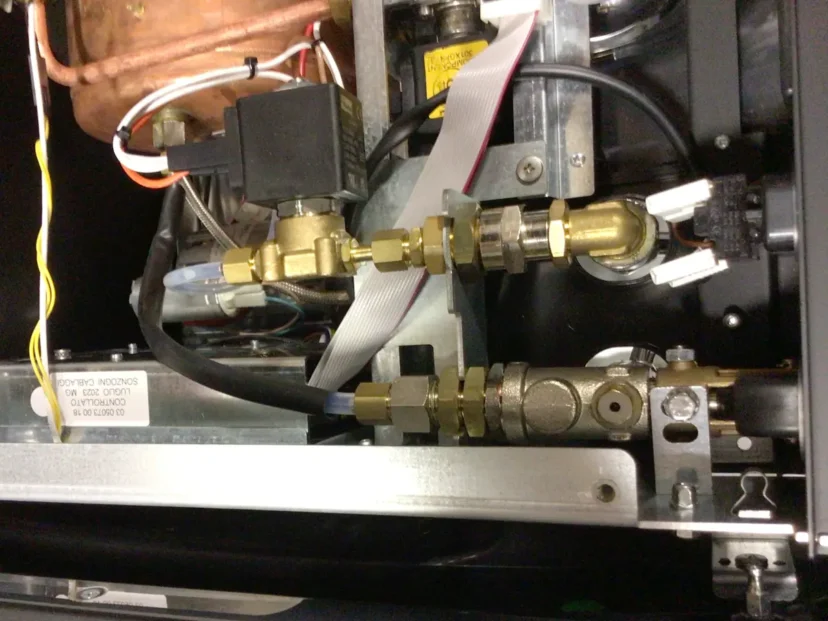
Close-up view of the internal mechanical components and wiring of a Carimali Bubble coffee machine, showing brass valves, metal pipes, connectors, and electronic cables next to the Swap Triac. © 2025 1st-line.com

The the panel is slid up, and the holding washer and screw on the left side under drip tray and same in rear which can not be seen, allow the panel to come out.
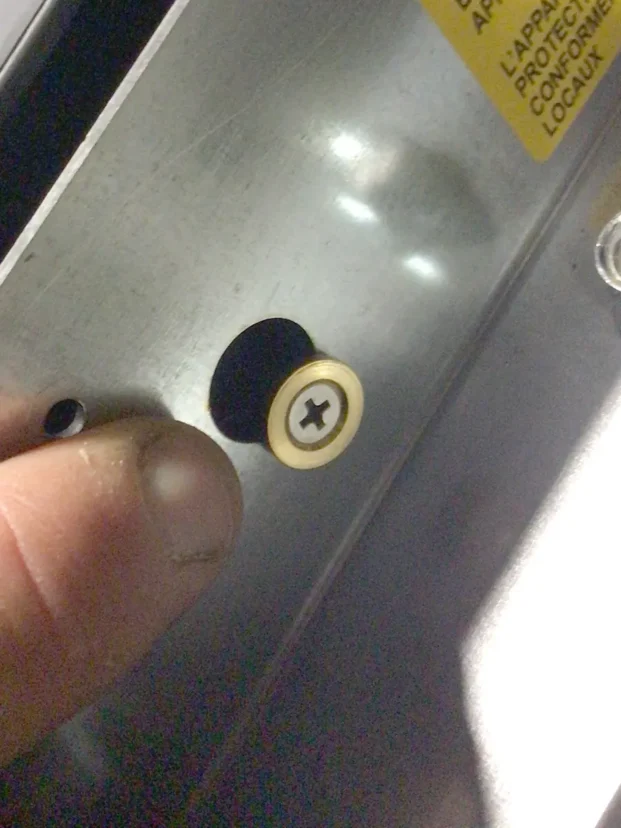
A close-up of a person’s fingers holding a metal surface near a Phillips-head screw partially sunk into the metal, possibly working on a Carimali Bubble. A yellow warning label is visible in the top right corner. © 2025 1st-line.com

on the left side of the machine, you will see a metal cover for the electronics. This is held in by 3 7mm nuts. Remove the 3 nuts.
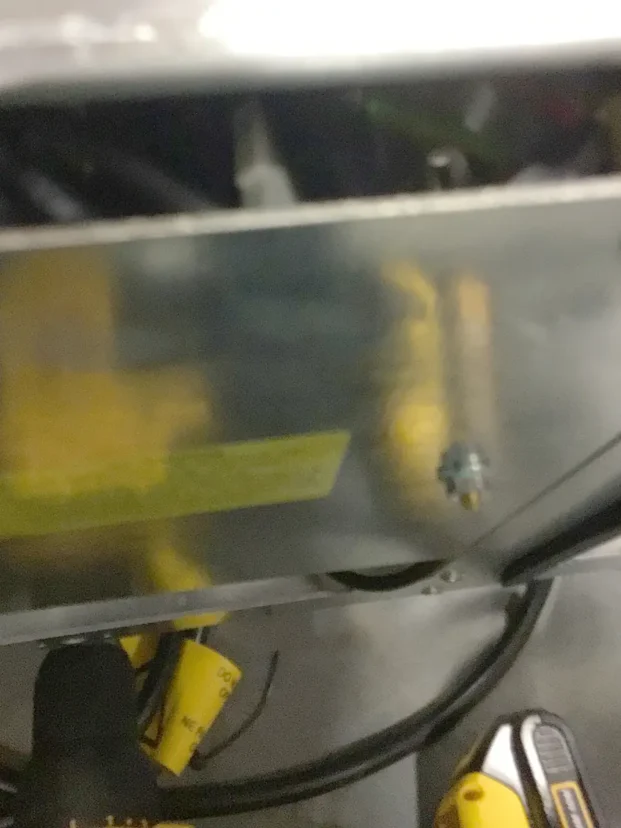
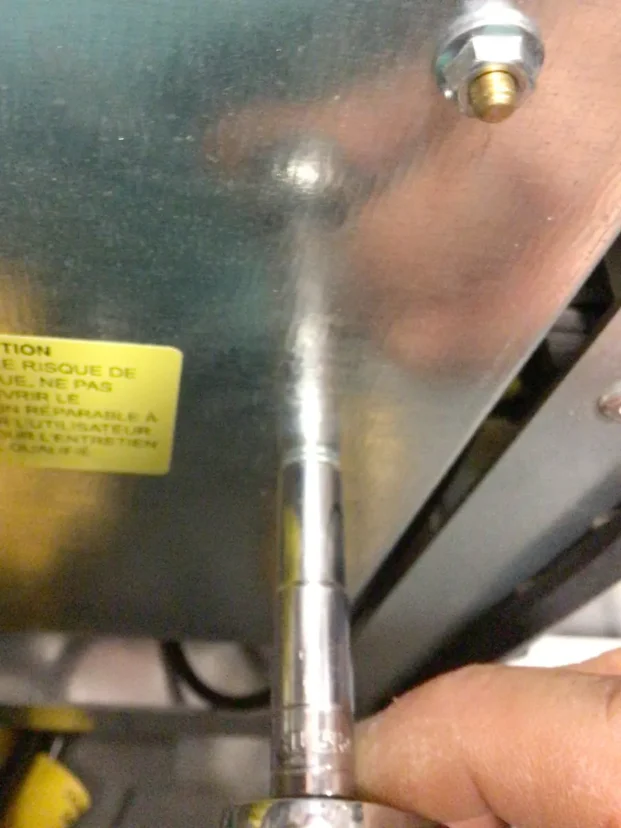
Blurry close-up of a metallic surface with a small screw, yellow labels, and black and yellow wires partially visible at the bottom—possibly part of a Carimali Bubble machine or showing a Swap Triac component. © 2025 1st-line.com

A close-up of a hand using a socket wrench to unscrew a bolt from a Carimali Bubble metal panel, with a yellow warning label visible on the left side—part of the process to swap triac components. © 2025 1st-line.com

A hand uses a socket wrench to tighten or loosen a bolt on a metal panel of a Carimali Bubble espresso machine, next to an electrical box with a yellow high-voltage warning symbol, possibly during a Swap Triac procedure. © 2025 1st-line.com

The TRIAC is near the top of the motherboard as shown in the following pictures. Remove the 2 holding nuts with 7mm socket.

BE CARE NOT TO LOOSE THE PINS WHICH CAN EASILY COME OUT THE OTHER SIDE, YOU CAN PLACE MASKING TAKE ON THE BACK SIDE TO LESSEN THE CHANCE OF THE HOLDING PINS COMING OUT.
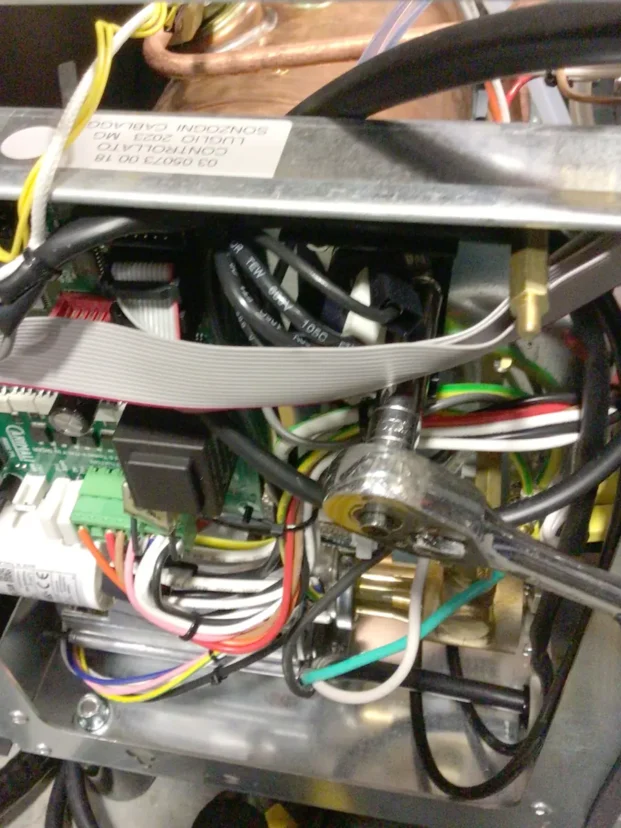
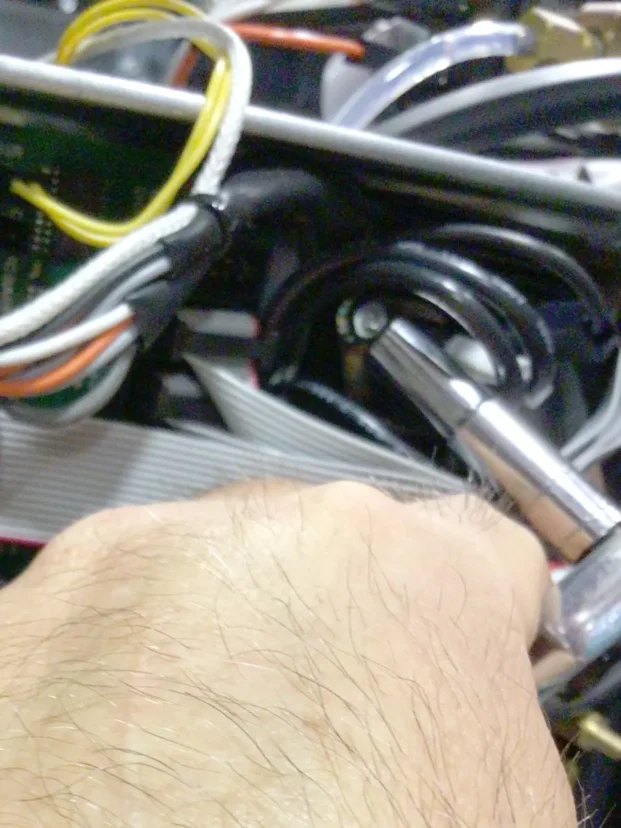
A close-up view of the inside of an electronic device, showing various colored wires, circuit boards, and a wrench tightening a bolt on a metallic component. © 2025 1st-line.com

tHE HOLDING PINS ARE FLAT AND IN BETWEEN THE WHITE TUBE AND BLACK INSULATION IN THE BACKSIDE PANEL OF THE MOTHERBOARD.
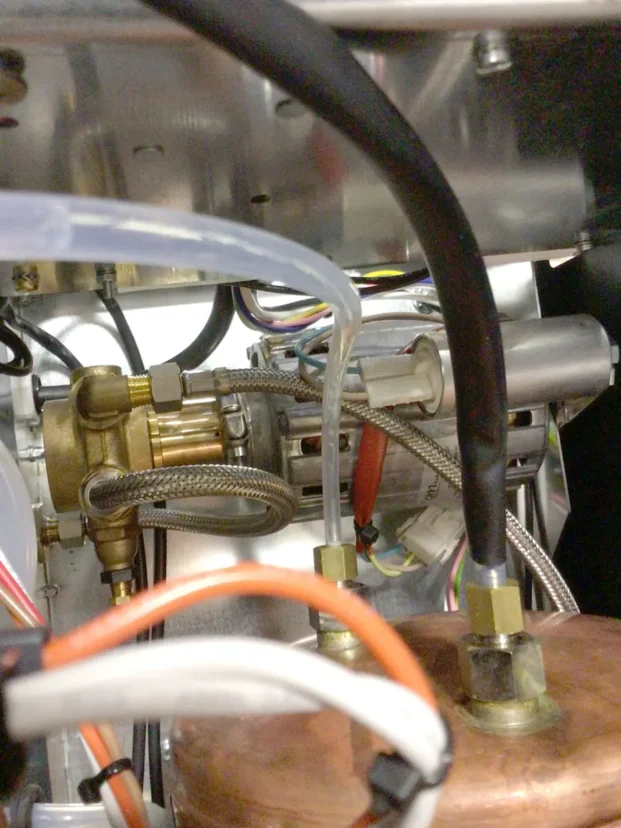
Close-up view of the internal components of a Carimali Bubble machine, showing metal pipes, wires, connectors, brass fittings, and a Swap Triac—likely part of a complex mechanical or electrical system. © 2025 1st-line.com

Remove both nuts.

A close-up of a hand using a socket wrench to tighten or loosen a bolt among various cables and wires inside a Carimali Bubble, possibly while performing a Swap Triac repair. © 2025 1st-line.com

Pull out the hold TRIAC with wires attached.
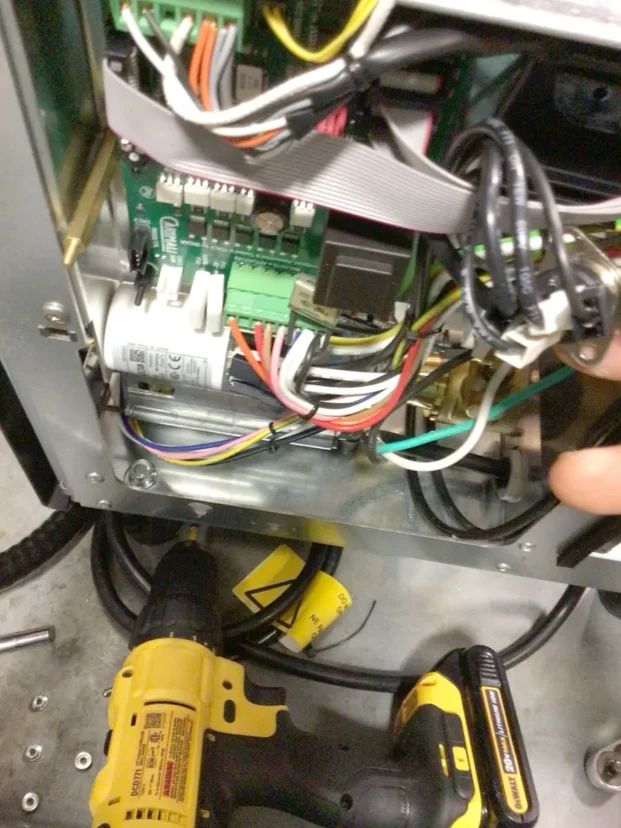
Close-up of an open electronic device showing various colored wires, circuit boards, and connectors. A person’s hand holds cables, and a yellow cordless drill is visible on the floor below the device. © 2025 1st-line.com

Match the newer TRIAC so the vertical non-slanted terminal is on the left side as pictured.
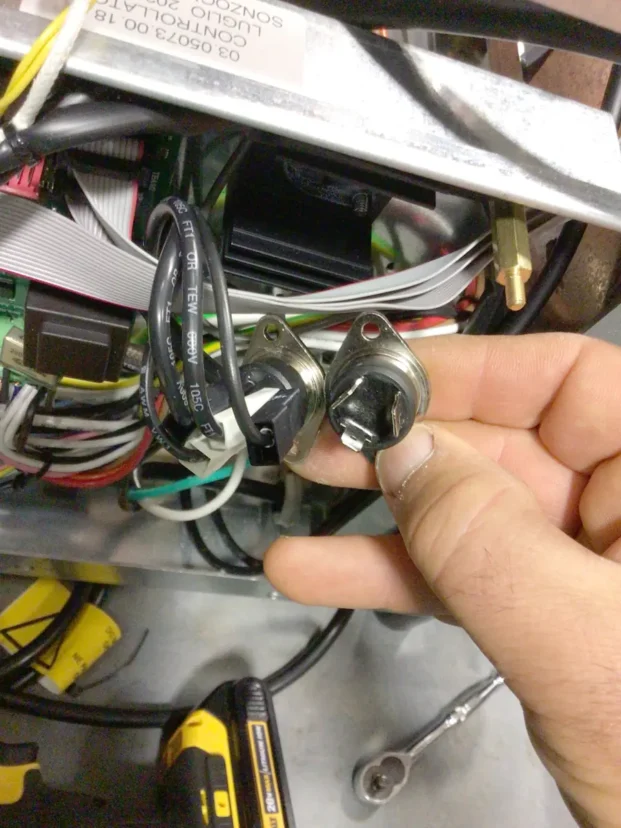
A hand holds two metal temperature sensors with black wires, in front of an open Carimali Bubble electronics panel with various cables, circuits, and tools visible—ideal for a Swap Triac repair or upgrade. © 2025 1st-line.com

Move one wire over at a time. Do not mix up the wires.
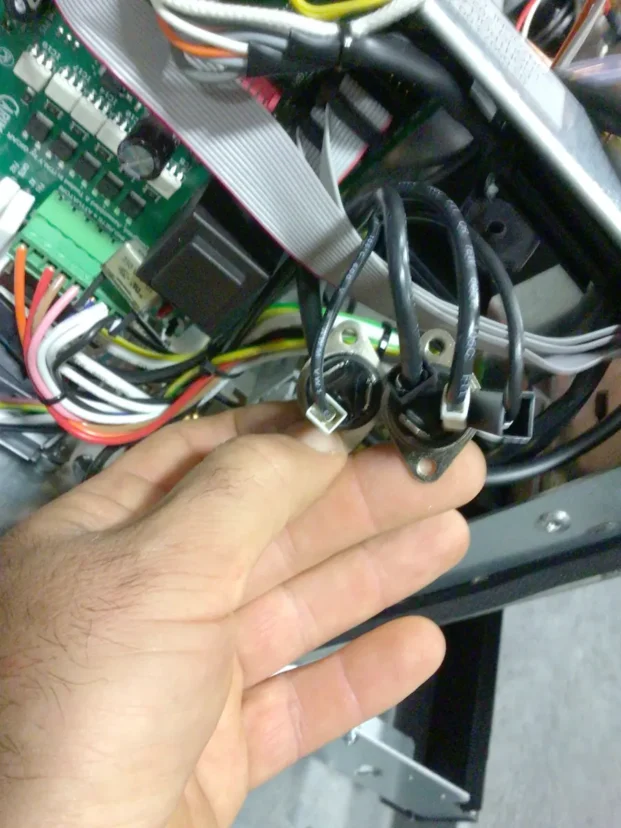
A hand holding two black wires connected to metal terminals inside a Carimali Bubble machine, with various colored wires, circuit boards, and a Swap Triac visible in the background. © 2025 1st-line.com

Do not lose the holding nuts and insert one into the socket and start by one hand while your other hand is holding the pin on the other side.
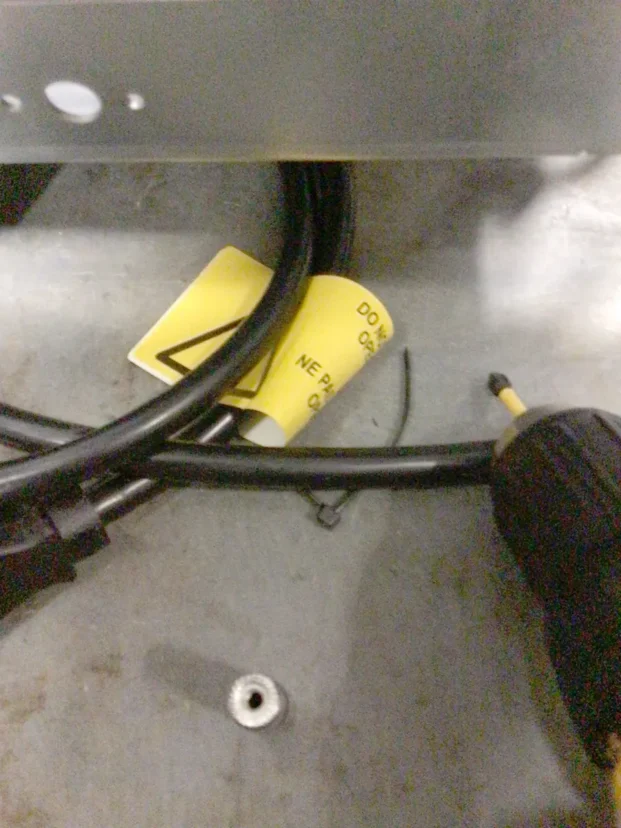
A close-up of black power cables, a yellow warning label, and a black-handled screwdriver lying on a metal surface. A silver screw is also visible nearby. © 2025 1st-line.com

It is easier to start the right side nut first and hand tighten then do the left side on the TRIAC.

A close-up of a hand adjusting wires and brass fittings inside a Carimali Bubble machine, with visible cables, tubing, and a solenoid valve. © 2025 1st-line.com

Place the cover back on and put the 3 buts back on hand tighten.
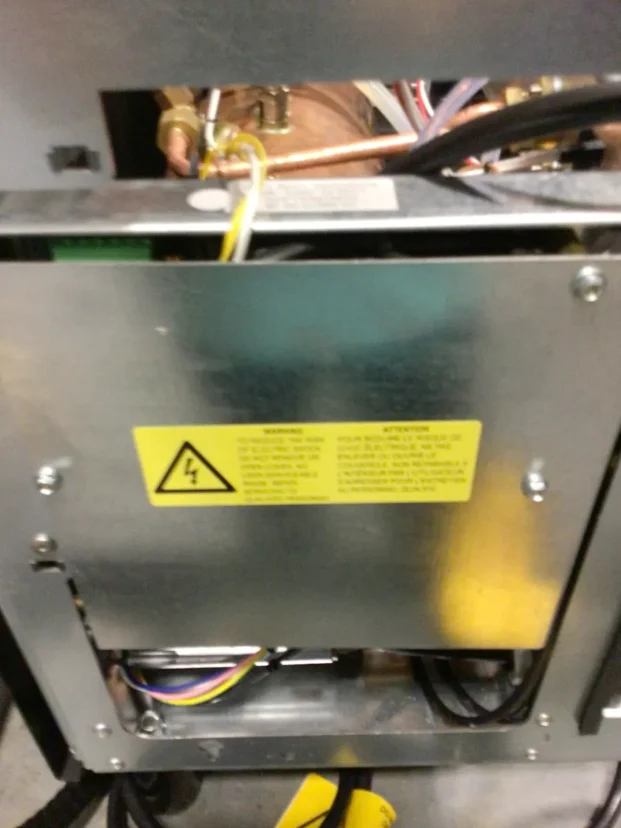
A close-up of an open metal electrical panel with wires inside, a yellow caution label warning of electrical hazards, and various colored cables visible near the bottom. © 2025 1st-line.com

Align the washer and nut of bottom of panel panel in front and rear into larger slots and slide down to hold.
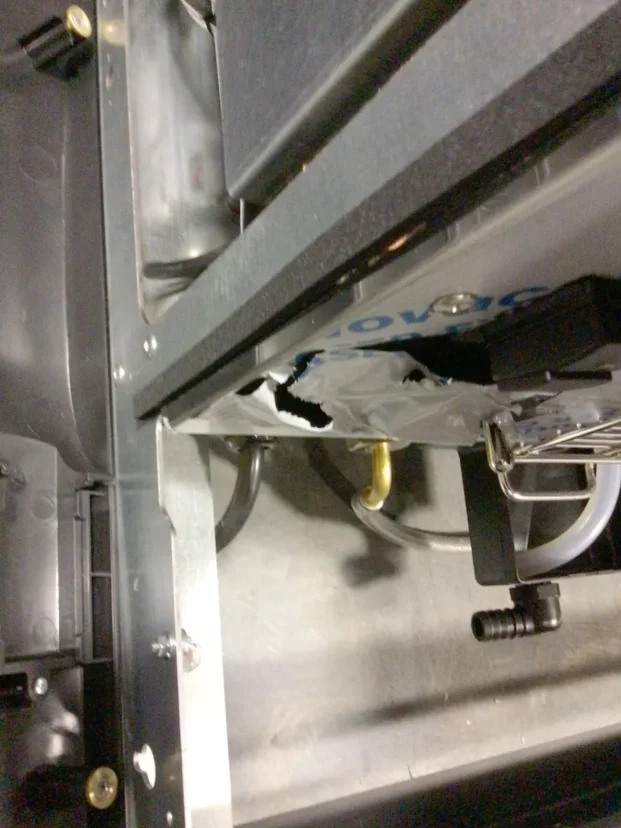
A close-up view of a damaged plastic bag inside a metal-framed compartment of a Carimali Bubble, showing a large tear and tubing nearby. Various mechanical parts, connectors, and the Swap Triac are visible around the area. © 2025 1st-line.com

Push the upper part so the 2 pins get placed into the holding clips.
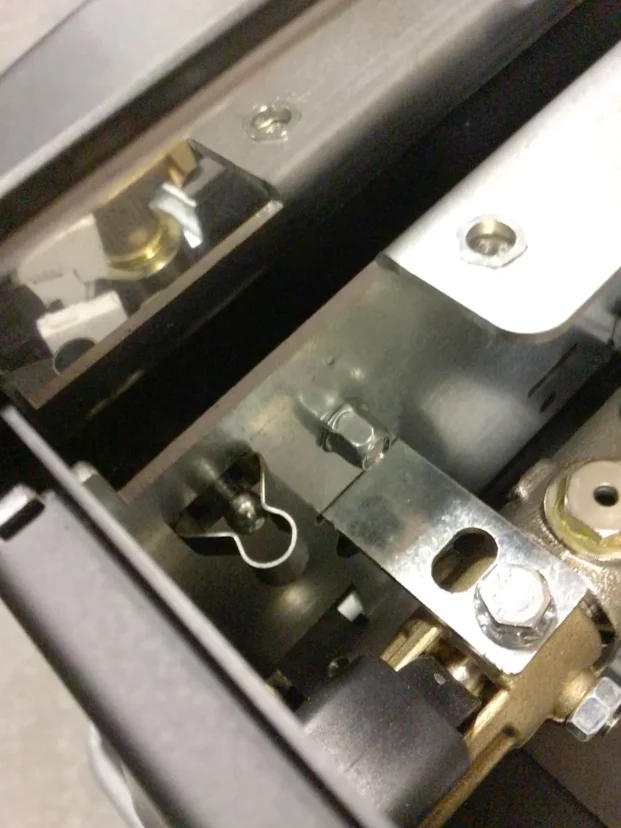
Close-up view of metal mechanical components in a Carimali Bubble machine, featuring bolts, screws, and reflective surfaces, with intricate metal parts—like the Swap Triac—assembled together. © 2025 1st-line.com

Close-up of a metallic mechanical component with a label, wires attached, and visible screws and brackets inside an electronic or industrial device. © 2025 1st-line.com

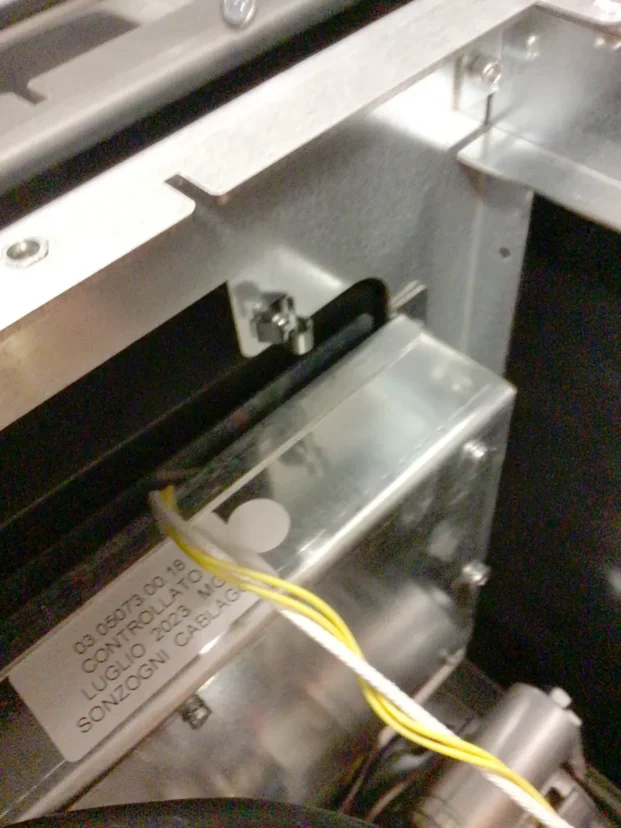
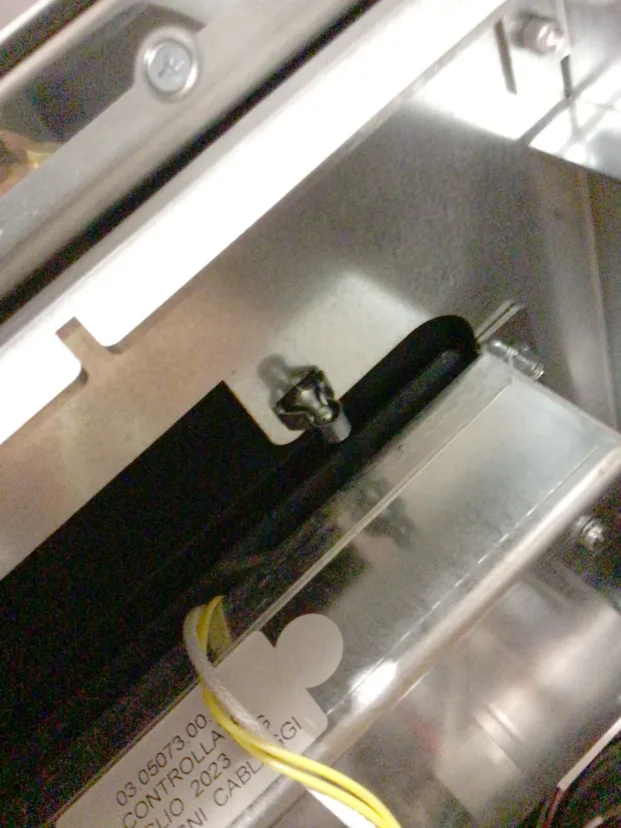
Close-up of a metallic surface on the Carimali Bubble with a small screw lodged in a black groove, some yellow and white wiring visible, and part of a label reading Swap Triac in the lower left corner. © 2025 1st-line.com

Insert and tighten the holding screw on left side under drip tray top hold body panel
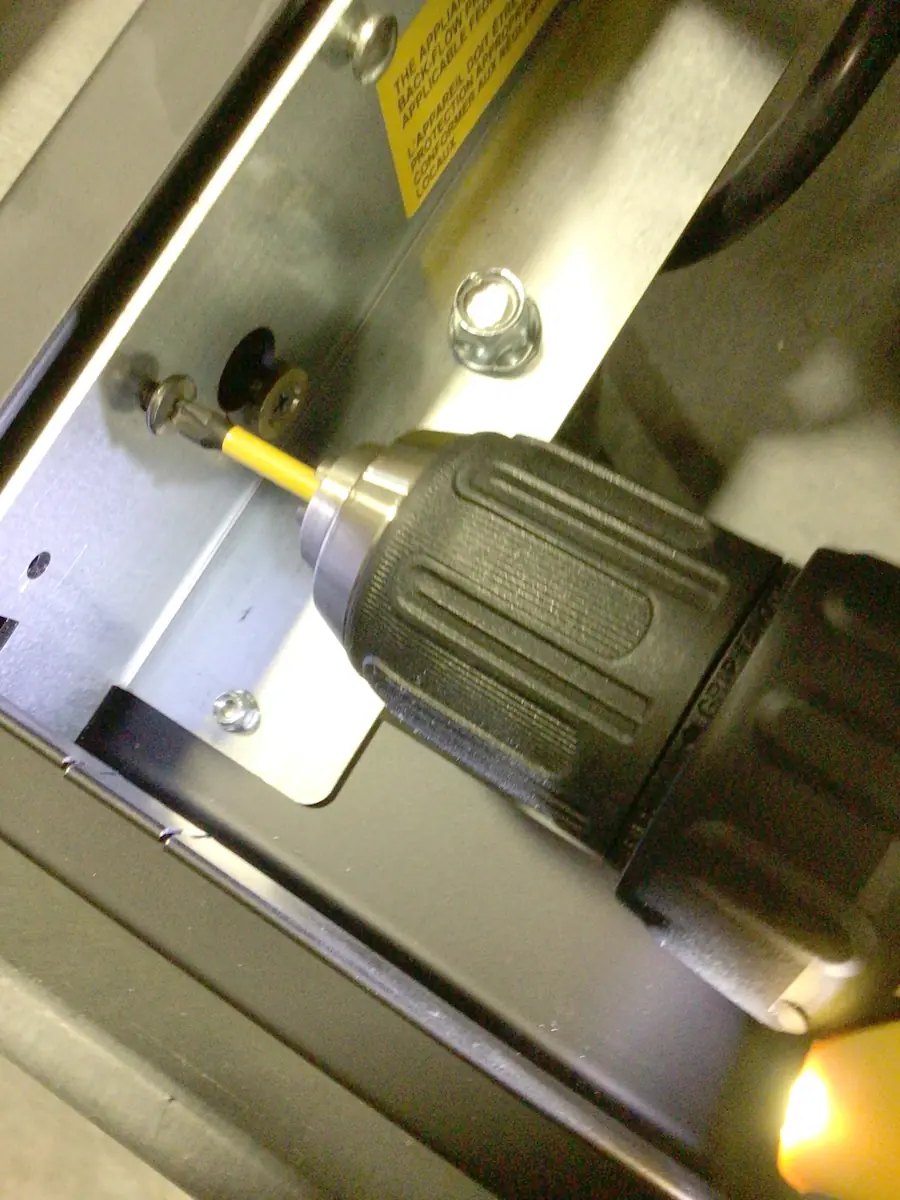
A close-up of a power drill with a yellow bit fastening a screw into a metal panel on a Carimali Bubble machine. The drill is angled, and part of the mechanical assembly, including the Swap Triac area, is visible in the background. © 2025 1st-line.com

Insert screw vertically upwards to hold panel
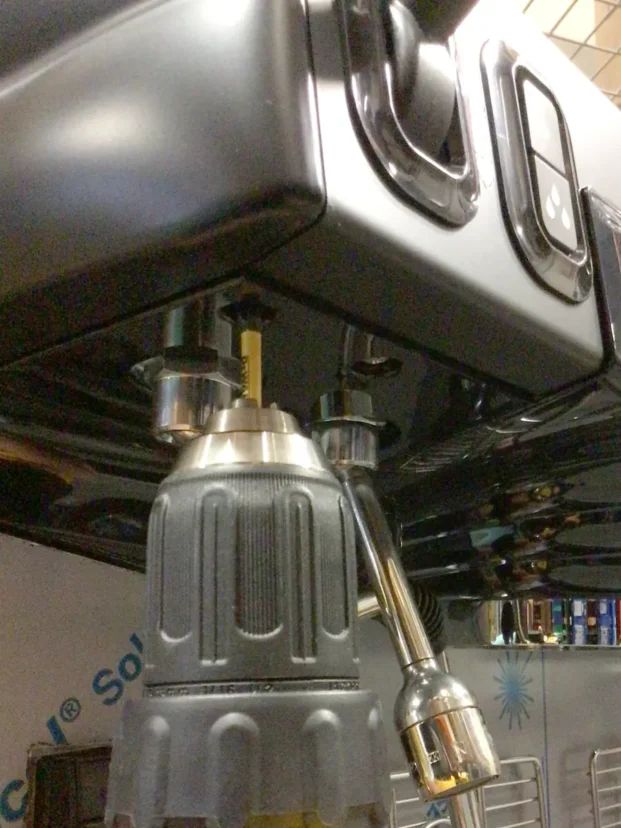
A close-up of a power drill being used to unscrew a bolt from the bottom of a black Carimali Bubble appliance, possibly a coffee machine, with reflections visible on its surface during a Swap Triac repair. © 2025 1st-line.com


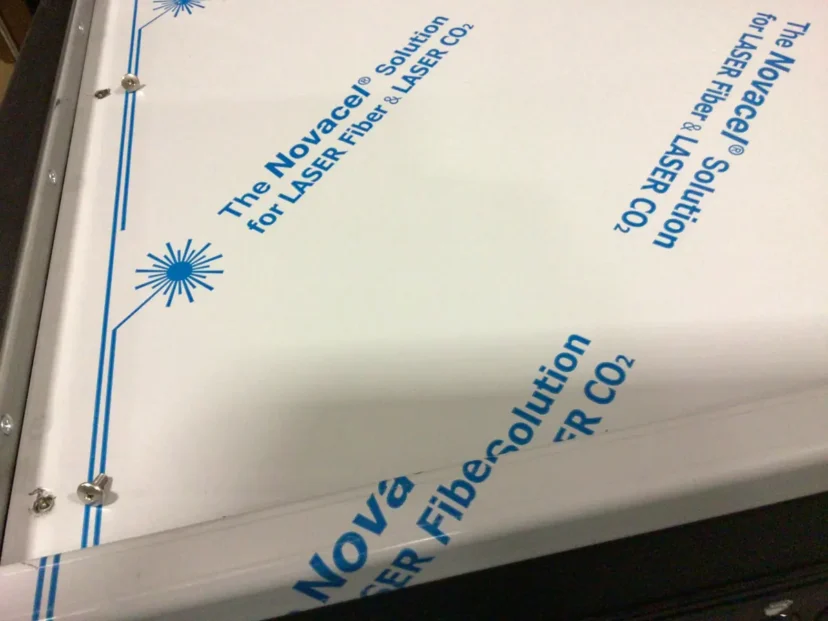
Place back 4 screws fro top panel.

A close-up of a white panel with blue text that reads “The Novace Solution for LASER Fiber & LASER CO2,” alongside a Swap Triac detail, featuring a blue laser graphic and several screws securing the panel. © 2025 1st-line.com

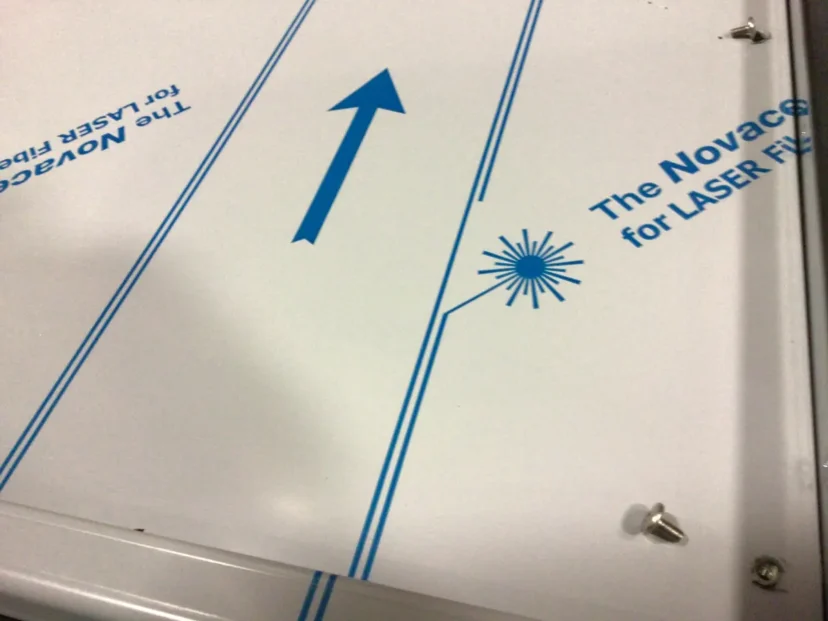
A white surface with blue lines, a large blue arrow, and text reading The Novace for LASER FI. A starburst laser icon and a couple of loose screws share the scene, reminiscent of Carimali Bubble styling. © 2025 1st-line.com


Plug in machine and allow to heat up. The overheat situation should be terminated.

Please note the above information is subject to copyright. It cannot be published by any means without the expressed written consent of 1st-line Equipment, LLC.

Leave a Reply

This site uses Akismet to reduce spam. Learn how your comment data is processed.

;
Secret Link