PID Display Status – VBM Domobar Junior Digital HX

A black control panel with a PID Display Status and digital display showing VBM Domobar Junior, featuring four buttons: circular pattern (top left), leaf icon (bottom left), plus sign (top right), and minus sign (bottom right). © 2025 1st-line.com

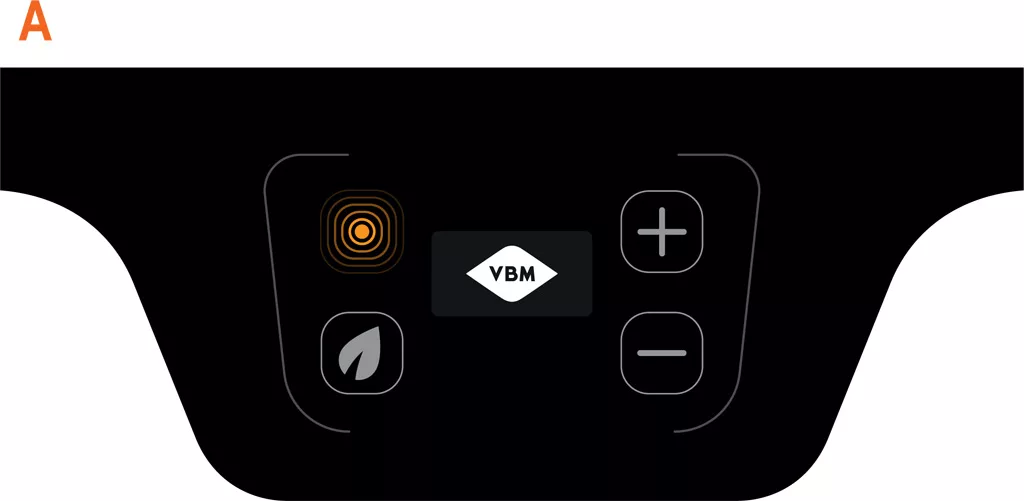
POWER ON

  • Buttons Off
  • LED on (machine charging): orange
A digital control panel display, like the VBM Domobar Juniors PID Display Status, features a central screen showing 000, a green leaf icon, circular pattern icon, and plus/minus buttons—all set against a sleek black background. © 2025 1st-line.com

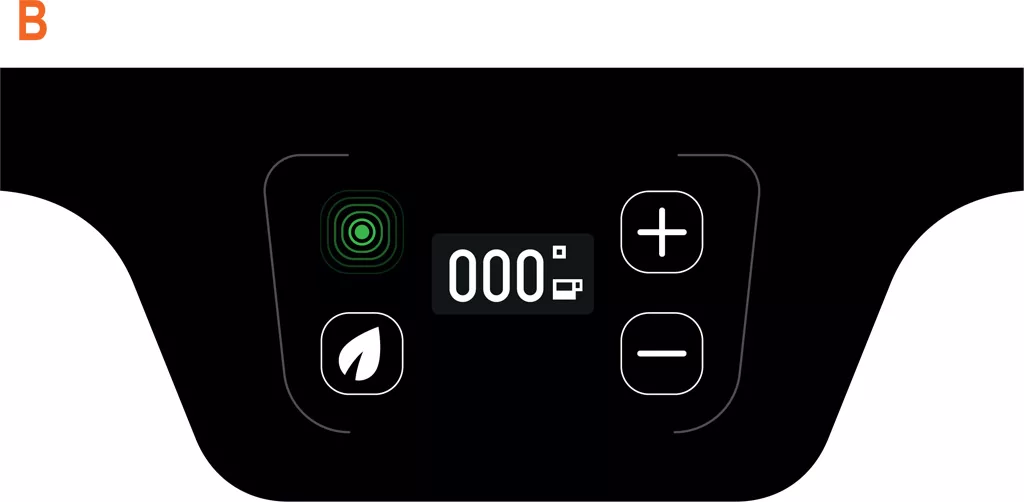
BASIC SCREEN

  • All keys lit and activated: white
  • LED on (machine ready): green
A digital control panel for the VBM Domobar Junior featuring a “000” PID Display Status at the center, plus and minus buttons on the right, a green fingerprint icon on the upper left, and a leaf icon on the lower left for Digital HX control. © 2025 1st-line.com

TEMPERATURE ADJUSTMENT

If the temperature is varied this will remain stored for the next one delivery up to a new variation.
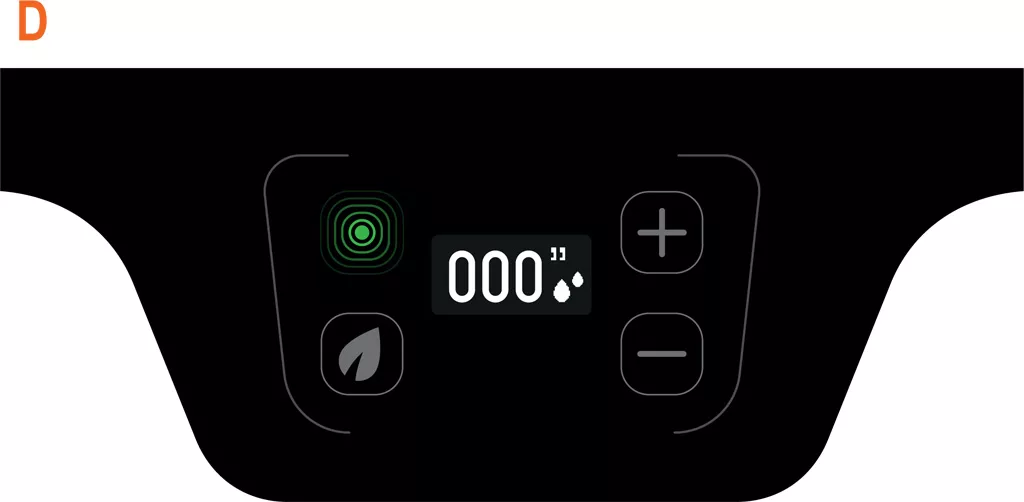
  • Temperature adjustment with the +/- buttons
  • All keys lit and activated: white
  • LED on (machine ready): green
Digital control panel with a PID display reading 000 and icons for power, a leaf, plus and minus buttons, and droplets—suggesting eco or air purifier settings similar to those on the VBM Domobar Junior. © 2025 1st-line.com

DELIVERY

  • COUNT UP
  • All keys off
  • LED on (machine ready): green
Close-up illustration of a car dashboard panel featuring a prominent leaf icon button, surrounded by other buttons including a plus, minus, and circular pattern button, with a PID Display highlighted by a green outline on the leaf button. © 2025 1st-line.com

ECO MODE

  • ECO icon button activated: green
  • +/- buttons off
  • LED off
  • The machine goes into maintenance temperature (50 °C)
A black touchscreen control panel for the VBM Domobar Junior features a central power button, plus/minus controls, a PID Display Status icon, and fingerprint and leaf icons. The label E_2 appears at the top left in orange. © 2025 1st-line.com

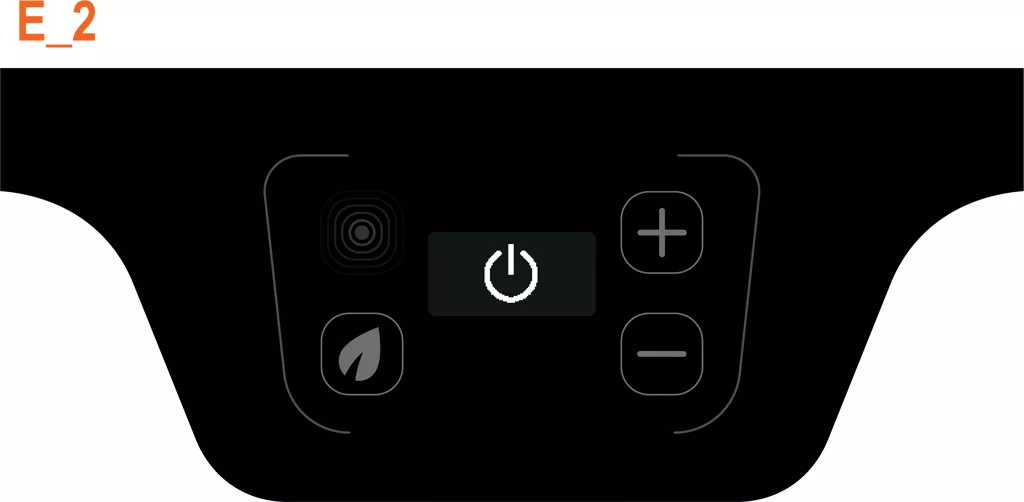
STAND BY MODE

  • All keys off
  • LED off
  • after 2 hours of inactivity, it goes into STAND-BY
    (at the temperature level the machine is turned off)
A black background featuring a series of five concentric, rounded orange squares with a solid orange circle in the center, evoking the precision and modern design of Digital HX or VBM Domobar Junior PID Display Status. © 2025 1st-line.com

The led turns orange every time that the machine does not reach the set point (+/- 7 °C)
ALARMS

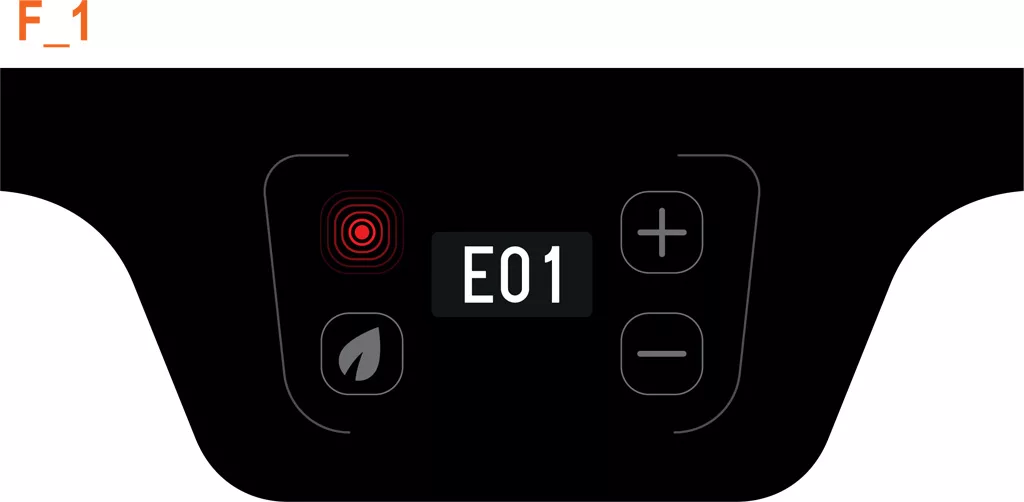
Digital control panel on the VBM Domobar Junior displaying error code E01. The PID Display Status shows F_1 in orange text above, plus and minus buttons, a leaf icon, and a red circular icon likely indicating power or heat. © 2025 1st-line.com

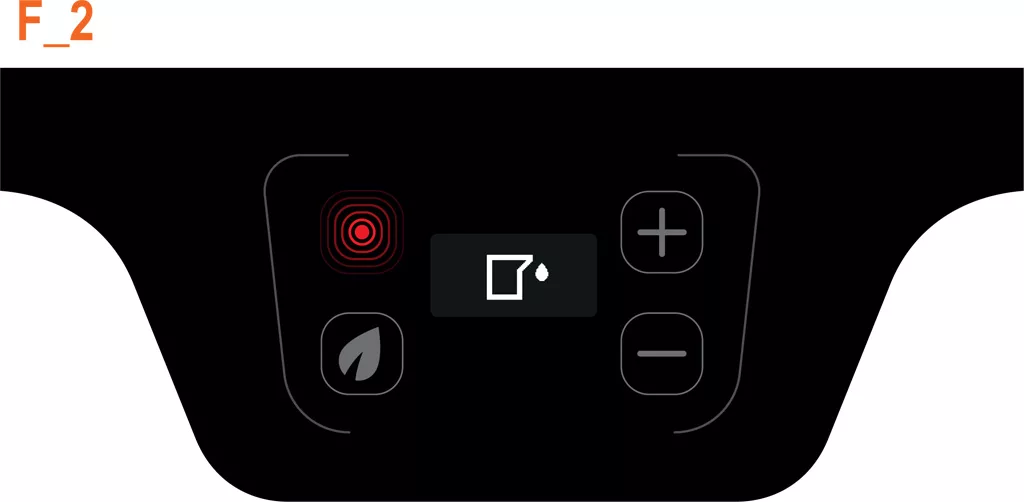
FILLING TIME OUT ALARM

  • Flashing screen
  • Keys off, the user will have to load the water, and restart the machine to complete the filling
  • LED on (machine in alarm): red
Digital HX control panel featuring a red heated coil icon, plus and minus buttons, leaf icon, and central PID Display Status with a drop in a square. F_2 glows orange at the top left, designed for the VBM Domobar Junior. © 2025 1st-line.com

TANK EMPTY ALARM

  • Flashing screen
  • All the buttons are off until the tank is filled
  • LED on (machine in alarm): red
Digital HX control panel displaying error code E03 with PID Display Status, illuminated red error icon, plus and minus adjustment buttons, and a leaf symbol button. Text F_3 appears in orange at the top left corner on the VBM Domobar Junior. © 2025 1st-line.com

PROBE ALARM

  • Flashing screen
  • All buttons are off until you contact the service center
  • LED on (machine in alarm): red
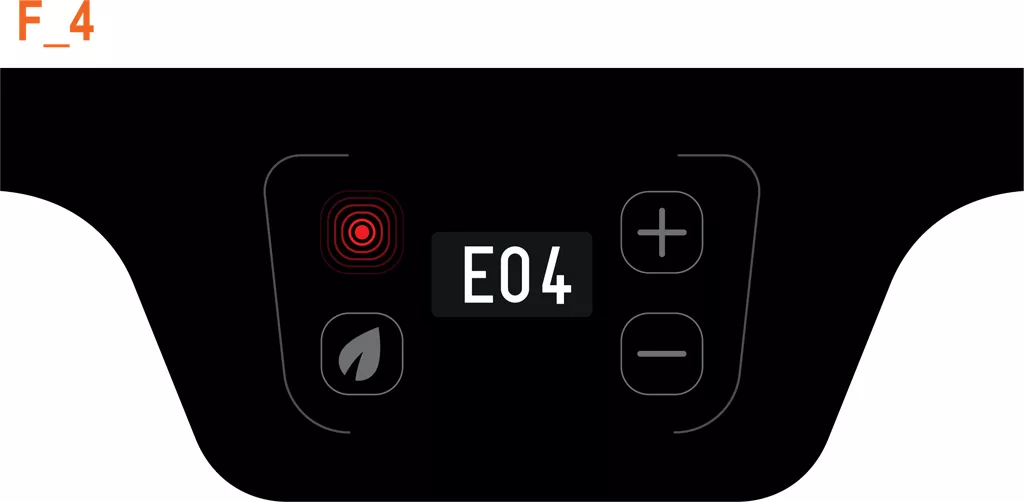
A VBM Domobar Junior Digital HX control panel displays error code “E04” centrally, with illuminated icons, plus and minus buttons on either side, and a PID Display Status showing “F_4” in orange at the top left corner. © 2025 1st-line.com

NO CONNECTION ALARM

Lack of connection between display and control unit
  • Flashing screen
  • Buttons off
  • LED on (machine in alarm): red

EXTRA SETTING

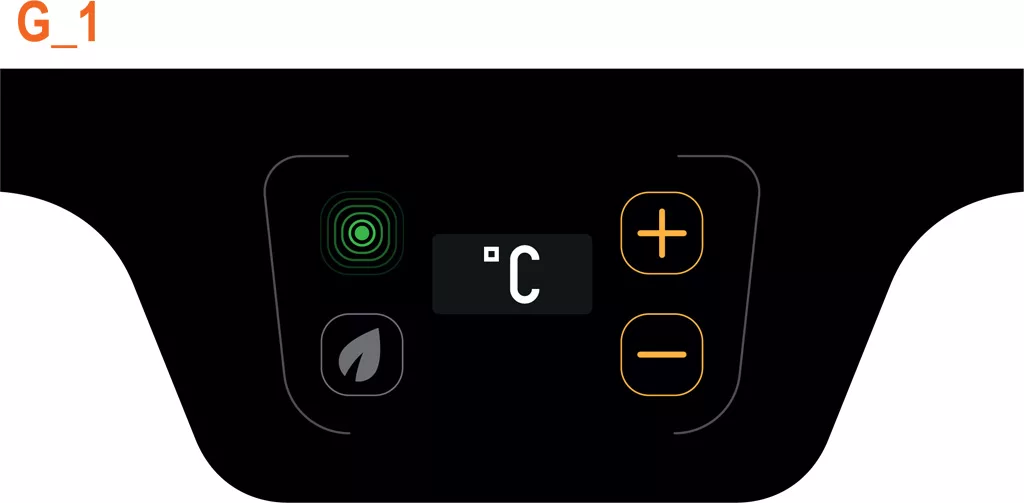
A digital control panel on the VBM Domobar Junior features a PID Display Status with temperature in Celsius, a green power button, a leaf icon, and orange plus and minus buttons for easy adjustment—ideal for Digital HX precision. © 2025 1st-line.com

CHANGE OF UNIT OF MEASURE

  • The unit of measurement will be set by default to Centigrade degrees
  • ECO button off
  • +/- keys lit (yellow LED)
  • Led on: green
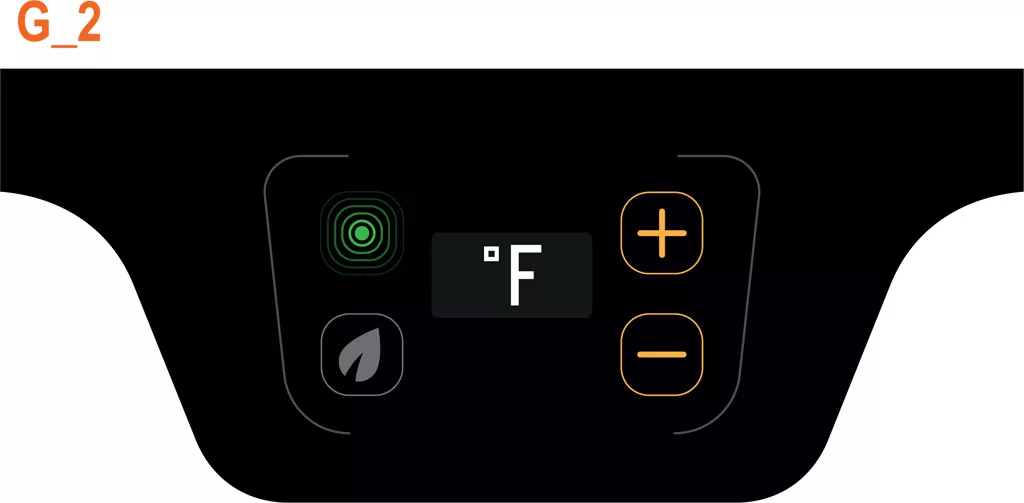
Digital control panel with a central PID Display Status showing the Fahrenheit symbol, surrounded by four buttons—power, add, subtract, and a leaf icon—on a black background with G_2 and Digital HX in orange text at the top left. © 2025 1st-line.com

CHANGE OF UNIT OF MEASURE

  • Pressing + and – switches between Centigrade and Fahrenheit degrees
  • ECO button off
  • +/- keys lit (yellow LED)
  • Led on: green
A black background featuring a series of five concentric, rounded orange squares with a solid orange circle in the center, evoking the precision and modern design of Digital HX or VBM Domobar Junior PID Display Status. © 2025 1st-line.com

The led turns orange every time that the machine does not reach the set point (+/- 7 °C)